AI Operations ROI: How to Measure the Impact of AI Adoption
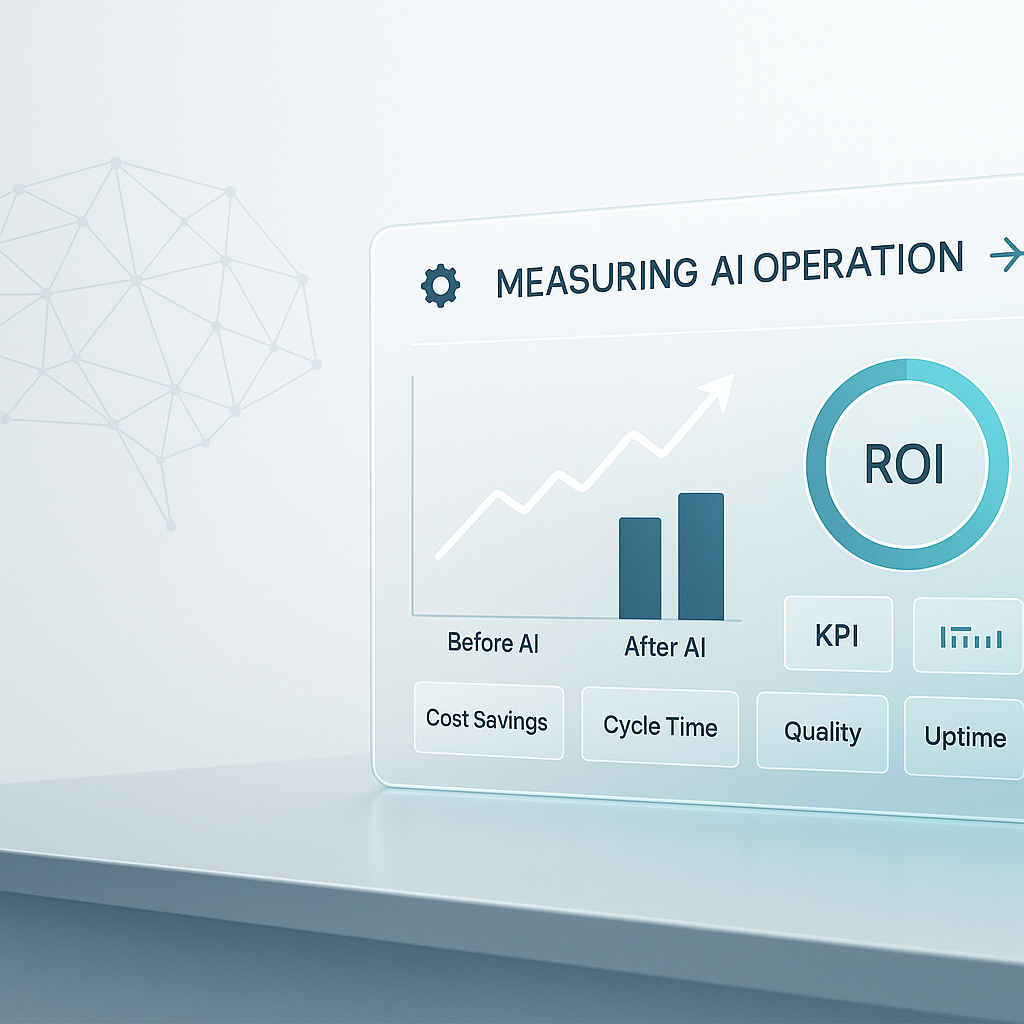
The hard part of AI ROI is usually not the math. It is deciding what changed, what that change is worth, and whether the improvement holds after the first few weeks.
That is why teams end up arguing about software spend instead of workflow performance. A tool costs one amount per month, but the real question is whether calls get answered faster, reports get built with less cleanup, estimates go out sooner, CRM records stay cleaner, or invoices stop getting stuck in someone’s inbox.
If you want a useful answer to “is this actually working?”, measure the workflow before and after the change, then review the result on a long enough timeline to see the gain.
Why AI ROI gets misread
Traditional ROI is simple when the input and output are easy to isolate. You spend X and get Y. If Y is larger, the investment worked.
Operational AI is messier.
A workflow may take 40 hours to set up and only save 2 hours per week. In the first month, that can look weak. By month twelve, the savings may have paid back the setup time several times over. If you only check too early, you miss the point.
AI also creates capacity, not only labor savings. If a coordinator saves five hours a week on inbox sorting or data entry, those hours do not matter much unless they are used for something better. Maybe they follow up on aging estimates, fix scheduling gaps, or clean up overdue CRM records. That is where the larger business effect often sits.
Some benefits also spread across a process instead of showing up in one line item. If handoffs between sales, operations, and billing get cleaner, you may not see a dramatic reduction in one person’s hours. You may see faster cycle times, fewer missed details, and less rework across the whole team.
The fix is straightforward: decide before launch what you are measuring, how long you will measure it, and what result would count as a win.
Measure three ROI categories
For most operating teams, AI returns show up in three places.
Direct time savings
This is the easiest place to start.
If a weekly report used to take 4 hours and now takes 30 minutes, you have a measurable reduction in labor time. If proposal prep drops from 3 hours to 45 minutes, that is measurable too.
Use net savings, not gross savings.
Count:
- time saved on the original task
- time spent reviewing AI output
- time spent fixing edge cases
- time spent maintaining the workflow
- time spent retraining staff or adjusting the process
A scheduling assistant that saves 6 hours a month but creates 2 hours of review work is saving 4 net hours, not 6.
Error and rework reduction
Many operational workflows are expensive because they fail quietly.
An intake form gets summarized incorrectly. An invoice goes out with the wrong detail. A CRM record is missing a contact note. A customer support reply needs to be rewritten. None of these looks dramatic on its own, but together they create review loops, delays, and customer friction.
Measure the baseline error rate before implementation, then again at 30 and 90 days.
Useful examples:
- percentage of tickets needing manager correction
- number of estimate revisions caused by missing information
- reporting errors found after distribution
- CRM records requiring manual cleanup
- invoices delayed because of incomplete handoff details
Reduced rework has a labor value. In some workflows, it also reduces financial or compliance risk.
Revenue-adjacent impact
This is harder to attribute, but often more important than pure efficiency.
Examples:
- proposals sent same day instead of two days later
- support replies going out within hours instead of next day
- faster quote turnaround leading to better close rates
- better follow-up consistency improving retention or renewal
- cleaner lead routing reducing missed opportunities
These outcomes need a longer review window and some discipline around attribution. But if your business depends on speed, responsiveness, or quality of follow-through, this category matters.
Build the measurement plan before launch
Most ROI confusion starts because teams implement first and define success later.
Before any AI initiative goes live, set these four items.
1. Baseline metrics
Document the current state.
If you are automating call summaries, measure how long notes currently take and how often they are incomplete. If you are improving estimate preparation, measure cycle time from request to first draft. If you are using AI in support triage, measure backlog age, response time, and reassignment rate.
If you do not have a baseline, you will end up comparing opinions instead of results.
2. Expected outcome and timeline
Be specific.
Good:
- reduce weekly reporting time from 4 hours to 30 minutes within 90 days
- cut inbox triage time by 50% within 60 days
- reduce ticket reassignment by 25% within one quarter
Not useful:
- improve efficiency
- save time with automation
- make the team more productive
Specific targets make review easier and prevent soft success claims.
3. Owner and review cadence
Someone needs to own the measurement.
Set a cadence that matches the workflow:
- weekly checks during launch for unstable processes
- monthly checks through the first 90 days
- quarterly reviews for longer-term value like retention, cycle time, or close rate
If nobody owns the scorecard, the scorecard will disappear.
4. Success and stop rules
Decide in advance what counts as working.
For example:
- if net time savings are below 20% by day 90, revise the process
- if error rates do not improve after two review cycles, pause expansion
- if the team is spending more time reviewing than expected, narrow the use case
This protects you from two common mistakes: killing a workflow before it settles, or letting a weak one stay in place because too much effort has already gone into it.
Common mistakes that distort ROI
Measuring tool cost instead of workflow cost
A tool may cost $50 per month, but that number means little on its own. If it saves 10 hours per month for a role that costs $75 per hour fully loaded, the workflow impact is much larger than the software line item.
The question is not “did software spend go up?” It is “did the workflow get cheaper, faster, or more reliable?”
Checking too early
The first 30 days are usually noisy. People are learning the process, edge cases are still showing up, and prompts or instructions may need adjustment.
If you review too soon, you can talk yourself out of a useful improvement.
Counting gross savings
Implementation time is real. Review work is real. Ongoing maintenance is real. If a workflow looks good only because those costs were left out, the ROI is overstated.
Failing to share results internally
If a team cuts estimate turnaround from two days to four hours, that should be visible. If support reduces repeat handling on tickets, leadership should hear it.
ROI measurement is not only about finance. It is also how organizations learn which operating changes are worth repeating.
Build the business case like an operating decision
If you need leadership approval, keep the case simple.
Start with the operating problem:
- where work is slow, inconsistent, or overloaded
- what that costs in time, errors, delays, or missed follow-up
- which team or process feels the pain first
Then define the expected return:
- what metric should improve
- how much improvement you expect
- when you expect to see it
- what net value that creates
Then state the risk plainly:
- where output may need review
- what edge cases may cause failure
- how data quality affects the result
- when you will revisit or stop the initiative
This keeps AI in the same category as any other operating investment. You are not funding a trend. You are deciding whether a workflow should run better at a reasonable cost and risk.
At Leaf Lane, we help businesses clarify where AI can create measurable operational value, then move from guidance into support or implementation when the case is strong. Our work starts with clear outcomes and keeps measurement close to the decision.
If you are ready to get serious about AI operations, get in touch and let us talk about what that looks like for your business.