Cursor Makes Custom Business Apps Affordable
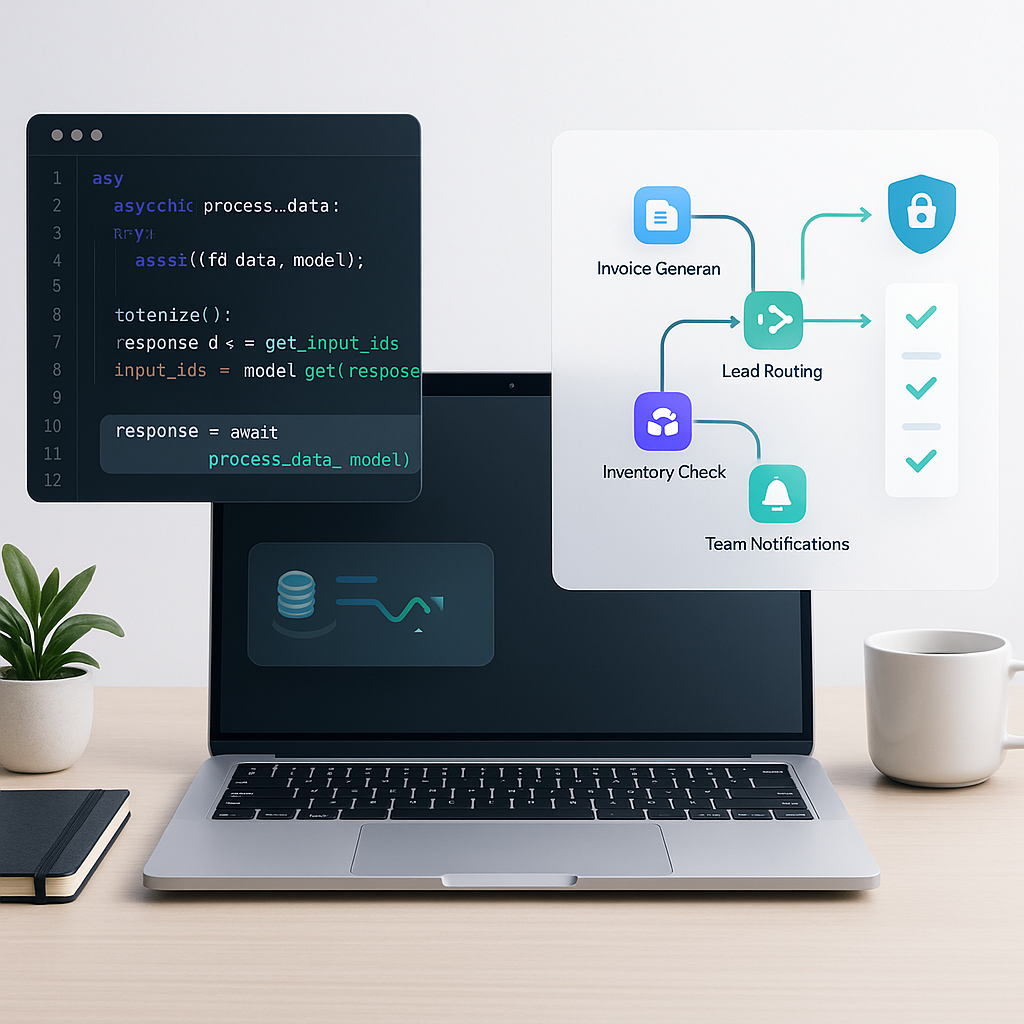
# Cursor Makes Custom Business Apps Affordable
Small businesses are experts at making the most of limited time and budget. But when your processes outgrow spreadsheets and one-size-fits-all software, you’re often stuck: custom development sounds expensive, and SaaS workarounds can become a tangled mess.
Cursor, an AI-powered coding environment, changes that math. It helps you turn your workflows into code quickly, safely, and affordably—without hiring a large engineering team. Think of it as a context-aware pair programmer that understands your repository, generates code, explains changes, and iterates with you until things work.
## Why Cursor is a Smart Fit for Small Businesses
- Faster build cycles: Cursor can scaffold services, write functions, and refactor files in seconds, reducing iteration time from weeks to days.
- Repository-aware help: Ask questions about your codebase, get diffs, and apply changes with clarity. This lowers onboarding time for non-specialists.
- Lower engineering overhead: With AI handling boilerplate and repetitive patterns, you can focus on business logic and user experience.
- Flexible stack: Build in languages you already use (e.g., JavaScript/TypeScript, Python) and deploy on low-cost, pay-as-you-go platforms.
The result: tailored apps and automations that match your process precisely—and cost less than stitching together multiple SaaS tools or commissioning a full custom build.
## Practical Automations You Can Build with Cursor
1) Invoice Generation and Accounting Sync
- Problem: Invoices created manually from emails or spreadsheets are slow and error-prone.
- Solution: Use Cursor to code a small service that converts approved quotes into branded PDF invoices and posts them to your accounting system via API.
- What it looks like:
- Trigger: A status change in your CRM (e.g., "Quote Approved").
- Actions: Generate PDF from a template, send invoice email, and push transaction to your accounting platform.
- Outcome: Hours saved weekly; fewer mistakes.
2) Lead Routing and Instant Follow-up
- Problem: Leads arrive from forms and inboxes; response times vary.
- Solution: Build an endpoint that ingests form data, qualifies leads, assigns an owner, and triggers a personalized email or SMS.
- What it looks like:
- Trigger: New web form submission.
- Actions: Enrich company data (optional), route to the right rep, create a CRM record, send follow-up.
- Outcome: Faster responses, higher conversion rates.
3) Inventory Reorder Alerts
- Problem: Stock-outs cost sales; manual checks don’t scale.
- Solution: A scheduled job queries inventory levels and purchase orders, predicts low-stock items, and alerts procurement.
- What it looks like:
- Trigger: Daily cron job.
- Actions: Pull data from your POS or database; flag SKUs below threshold; post to Slack with a one-click reorder link.
- Outcome: Prevented stock-outs and better cash flow.
4) Appointment Scheduling and Team Notifications
- Problem: Booking tools don’t reflect your unique scheduling rules.
- Solution: Build a lightweight scheduling API that checks constraints (e.g., travel time, equipment availability) and confirms bookings.
- What it looks like:
- Trigger: Customer clicks a "Request Appointment" button.
- Actions: Validate time windows, create calendar event, notify team in Slack.
- Outcome: Fewer scheduling conflicts; happier customers.
5) Support Triage and Knowledge Lookup
- Problem: Repetitive support tickets overwhelm your team.
- Solution: A small service classifies tickets, suggests answers from your docs, and escalates complex cases.
- What it looks like:
- Trigger: New email or form submission.
- Actions: Categorize, auto-reply with links, create a help desk ticket with suggested resolution.
- Outcome: Lower handle time and better first-contact resolution.
## A Lean, Repeatable Build Process in Cursor
Use this lightweight workflow to ship in days—without technical debt.
1) Define success in one page
- Write an RFC (1–2 pages): goals, inputs/outputs, basic flows, and acceptance criteria.
- Paste this into Cursor so the AI has a clear spec.
2) Pick a simple architecture
- Start with a single repository.
- Choose a familiar stack (e.g., Next.js/Express + PostgreSQL, or Python + FastAPI + SQLite).
3) Scaffold quickly, then iterate
- Ask Cursor to scaffold endpoints, models, and a minimal UI.
- Use repo-aware chat to refine function signatures and data models.
4) Add real integrations early
- Connect to the APIs you actually use (CRM, accounting, Slack, email).
- Keep secrets out of code. Use environment variables and a secret manager.
5) Bake in testing from day one
- Ask Cursor to generate unit tests and basic integration tests.
- Define mock data and fixtures so you can run tests offline.
6) Ship to low-cost hosting
- Deploy on serverless or containers with autoscaling and budgets.
- Add logging and basic monitoring (health checks, error tracking).
7) Tighten the loop
- Review diffs before applying AI-generated changes.
- Use small, frequent commits; automate CI to run tests on each PR.
8) Document as you go
- Ask Cursor to produce concise README sections and runbooks.
- Record runbooks for ops tasks (restarts, rollbacks, key rotations).
## Cost Controls That Keep Projects Affordable
- Favor pay-as-you-go services: serverless functions, serverless databases, and usage-based email/SMS.
- Limit AI usage in production: call models only where they add value (classification, summarization), not on every request.
- Cache aggressively: memoize API responses, use CDN for static assets.
- Reuse prompts and patterns: store prompt templates and share across features.
- Monitor spend: add usage alerts for cloud, APIs, and AI tokens.
- Start small: ship the smallest viable feature, then iterate.
## Common AI Coding Pitfalls—and How to Overcome Them
AI accelerates development, but it isn’t magic. Here are the most frequent issues and practical guardrails:
- Hallucinated code or APIs
- Symptom: The AI references functions or endpoints that don’t exist.
- Fix: Provide the relevant files as context, link to official API docs, and ask for citations. Validate against real SDKs and run tests immediately.
- Incomplete edge-case handling
- Symptom: Happy-path code fails on nulls, time zones, or retries.
- Fix: Write acceptance criteria with edge cases. Ask Cursor to generate table-driven tests and retry logic with exponential backoff.
- Security and secrets exposure
- Symptom: API keys in code or over-permissive tokens.
- Fix: Use environment variables, least-privilege API scopes, and rotate keys. Add input validation and basic rate limiting.
- Dependency drift and version mismatch
- Symptom: Libraries that don’t match your runtime.
- Fix: Pin versions, use lockfiles, and ask Cursor to update code to match the exact library version you install.
- Brittle prompts and over-reliance on AI
- Symptom: Code quality varies with each prompt.
- Fix: Break requests into small, testable tasks. Keep a library of proven prompts and snippets. Always review diffs before applying.
- Weak test coverage
- Symptom: Changes break unrelated features.
- Fix: Enforce a test threshold (e.g., 70–80%), cover critical paths first, and run tests in CI on every pull request.
With knowledgeable oversight—clear specs, real context, and a test-first mindset—these issues are manageable. Cursor amplifies good engineering habits; it doesn’t replace them.
## What You Can Build in a Week (Examples and Effort)
- 1–2 days: Lead intake endpoint with CRM sync and Slack alert
- Inputs: Web form data
- Outputs: CRM record, channel notification
- 2–3 days: Invoice PDF generator with accounting API push
- Inputs: Quote/Order payload
- Outputs: Branded PDF, email, accounting entry
- 3–5 days: Inventory checker with daily alerts and quick-reorder link
- Inputs: POS/DB stock levels
- Outputs: Slack digest, email summary, optional purchase draft
Actual time will vary, but Cursor consistently compresses the scaffolding and refactor steps, letting you deliver value much sooner.
## The Business Case: ROI You Can Explain
- Labor savings: Automations reduce manual data entry and follow-up.
- Error reduction: Fewer missed steps and typos cut rework costs.
- Speed to value: Ship in days; start capturing ROI this month instead of next quarter.
- Flexibility: Adjust logic as your business changes—no waiting on vendor roadmaps.
When you replace scattered tasks with software that mirrors your process, the payoff compounds. Cursor helps you reach that point without a big upfront investment.
## Ready to Build Smarter?
If you’re ready to turn painful, manual workflows into affordable software, start your first small automation in Cursor this week. Define a one-page spec, scaffold the service, wire up one API, and ship. Need a plan or a partner? Reach out to discuss your use case, and let’s design an MVP that pays for itself quickly.