Prompt Like a Pro: Tips for GPT-5 Success
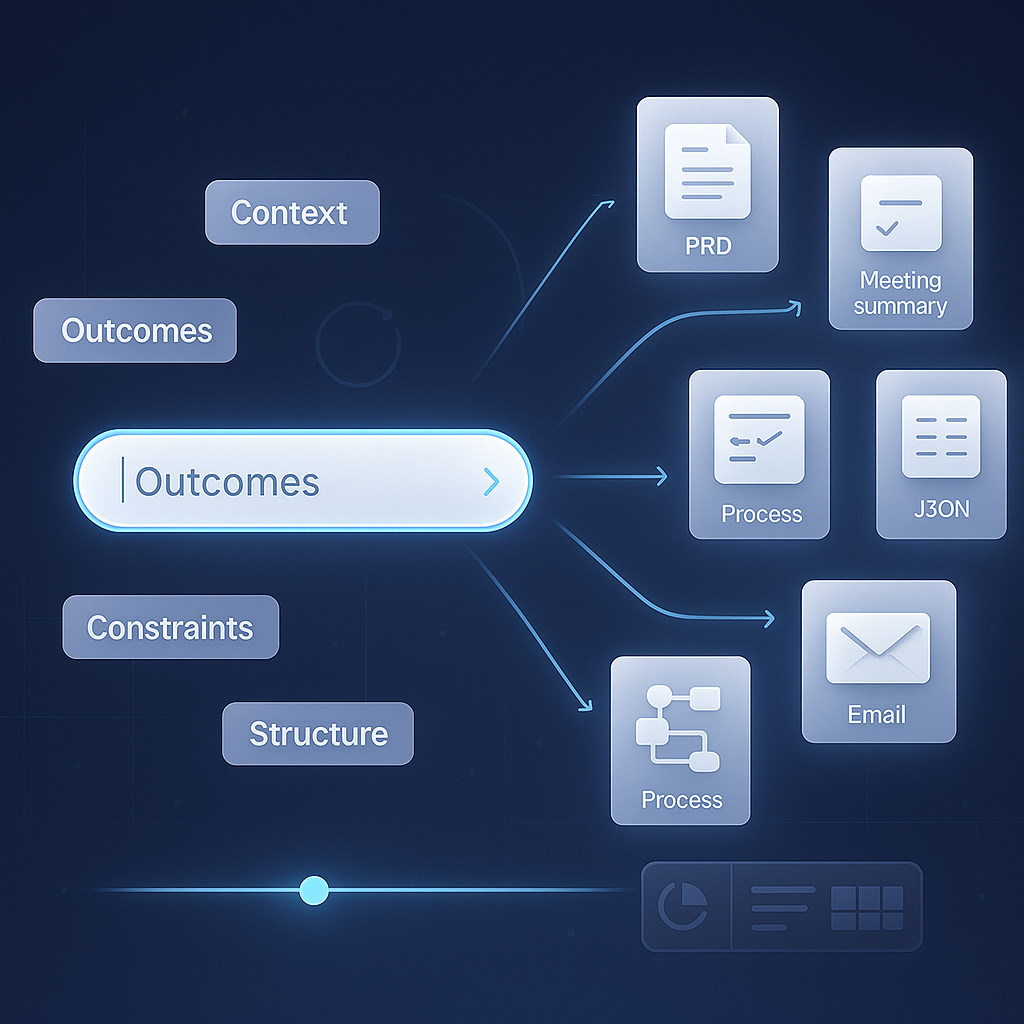
# Prompt Like a Pro: Tips for GPT-5 Success
High‑quality outputs start with high‑quality prompts. GPT‑5 (or any cutting‑edge LLM) is at its best when you give it clarity, structure, and guardrails. Use the tactics below to get reliable, business‑ready results in fewer iterations.
## 1) Start with the outcome and the audience
Before you write the prompt, decide:
- What business outcome you want (decision, draft, summary, plan, code, SOP)
- Who the output is for (executive, engineer, customer, ops team)
- How it will be used (published verbatim, used as notes, loaded into a tool)
- The success criteria (length, format, tone, accuracy bar)
Example prompt skeleton:
```text
Goal: Create a 1‑page executive summary of last quarter’s sales performance.
Audience: COO and VP Sales.
Use: Paste into the QBR deck.
Success: 200–300 words, plain language, actionable.
Include: top 3 drivers, 3 risks, 3 actions for next quarter.
Exclude: product code names, internal codenames.
```
## 2) Provide context, constraints, and the source of truth
Models generalize by default. To reduce guesswork, provide the data and rules.
- Add domain context: company, product, customer segment, geography.
- Reference the source of truth: the spreadsheet, CRM notes, policy doc, or brief.
- Set constraints: time horizon, budget, compliance boundaries.
Example:
```text
Context: Mid‑market B2B SaaS, ACV 25k–60k, sales cycle ~90 days.
Data provided: Pasted below is the Q2 pipeline report and win/loss notes.
Constraints: No discounts beyond 15%. Focus on North America only.
Task: Produce 5 insights and 4 prioritized actions with owners and due dates.
```
## 3) Specify format and structure up front
Structure turns a good answer into a usable asset. Ask for headings, lists, and consistent sections that fit your workflow.
- Choose a format: markdown, CSV, bullet lists, or a fixed section order.
- Name the sections you need and the counts per section.
- If your environment supports it, request a machine‑readable block for automation.
Example (markdown report):
```text
Format: markdown
Sections (in order):
1. Summary (3 bullets)
2. Metrics (table: metric, value, delta)
3. Risks (3 bullets)
4. Actions (table: action, owner, due_date)
```
Example (CSV snippet for import):
```text
Output format: CSV with headers: action,owner,due_date,impact
Rows: 4–6, due_date in ISO format YYYY‑MM‑DD
```
## 4) Use examples and counter‑examples
Few examples beat a page of instructions. Show the model what “good” looks like, and optionally what to avoid.
Example:
```text
Good example:
- Headline: Cut onboarding time by 35% in 60 days
- Proof: Reduced average setup from 14 to 9 days at 3 clients
- CTA: Book a 20‑minute workflow audit
Avoid:
- Vague claims without numbers
- Jargon like synergy, best‑in‑class
```
## 5) Guide tone, depth, and voice
Tone mismatches kill adoption. Be explicit about style and depth.
- Tone: concise, executive, consultative, friendly, technical
- Depth: overview, intermediate, expert
- Reading level: grade 8, 10, or professional
Example:
```text
Tone: executive and concise
Depth: intermediate business reader
Reading level: grade 10
```
## 6) Ask for checks, assumptions, and next steps (brief)
Improve reliability by prompting for lightweight validation. Request concise rationale and explicit uncertainties without revealing internal chain‑of‑thought.
Examples:
```text
Include a short rationale (2–3 bullets) for each recommendation.
List assumptions you made (max 3) and note any data you wish you had.
Flag any potential compliance issues in one short bullet list.
```
## 7) Iterate with short drafts and tight feedback
Fast loops beat long one‑shot prompts.
- First: ask for an outline or a 100‑word draft.
- Then: critique it and add or remove constraints.
- Finally: request a polished version in the final format.
Refinement prompt:
```text
Update the outline to add a section on churn drivers and remove APAC.
Keep the total sections to five. Then produce the final 600‑word draft.
```
## 8) Use tools and data when available
If your environment supports function calls, retrieval, images, or code execution, tell the model how to use them.
Example:
```text
Tools available:
- retrieve_doc(id) for policy snippets
- fetch_kpis(range) for metrics
Instruction: If data is missing, ask to call the appropriate tool.
```
Even without tools, you can paste small, trusted excerpts and ask the model to limit answers to that context.
## 9) Common pitfalls and quick fixes
- Vague asks → Fix: state the outcome, audience, and success criteria.
- Wandering answers → Fix: specify sections, counts, and word ranges.
- Hallucinated facts → Fix: provide the source of truth and say to cite only from it.
- Overly long output → Fix: set hard length limits and ask for summaries first.
- Wrong tone → Fix: give a style guide or 2–3 on‑brand examples.
- Ignored constraints → Fix: put constraints near the top and repeat them in the format section.
## 10) Ready‑to‑use templates
Paste, customize brackets, and run.
### A) SOP builder (operations)
```text
Role: Process specialist
Goal: Draft a standard operating procedure for [process].
Audience: [team]
Constraints: Must comply with [policy].
Format: markdown
Sections:
- Purpose (3 sentences)
- Scope (bullets: in, out)
- Roles (table: role, responsibility)
- Step‑by‑step (numbered list: 7–12 steps, each 1–2 sentences)
- Quality checks (bullets)
- Risks and mitigations (table: risk, mitigation)
Provide a brief rationale for the top 3 quality checks.
```
### B) PRD one‑pager (product)
```text
Role: B2B product manager
Goal: Create a 1‑page PRD for [feature] targeting [persona].
Data: Key customer quotes and metrics are pasted below.
Format: markdown
Sections: Summary, Problem, Goals and non‑goals, User stories (5), Acceptance criteria (5), Risks (3), Metrics (table)
Tone: executive and crisp. 500–700 words.
```
### C) Code review checklist (engineering)
```text
Role: Senior engineer
Goal: Produce a focused code review checklist for a [language/framework] service touching [modules].
Constraints: Emphasize security, performance, and testability.
Output: bullet list grouped by category; 5–7 bullets per category.
Add a short rationale for any critical checks.
```
### D) Sales email rewrite (go‑to‑market)
```text
Role: SDR coach
Goal: Rewrite the email below for mid‑market finance leaders.
Tone: helpful, credible, concrete; 90–120 words.
Include: 1 outcome, 1 proof point, 1 clear CTA.
Exclude: buzzwords and generic claims.
```
## 11) A complete example to copy
```text
Goal: Summarize our customer interviews on onboarding friction and propose improvements.
Audience: CX lead and head of product.
Use: Paste into Monday board.
Context: B2B SaaS; onboarding currently 9–14 days; NPS 31.
Data: 8 interview notes pasted below.
Constraints: No UI changes requiring engineering this quarter; focus on process.
Format: markdown
Sections (in order):
1. Key themes (5 bullets)
2. Metrics (table: metric, current, target)
3. Quick wins (table: action, owner, due_date)
4. Risks (3 bullets)
5. Next steps (3 bullets)
Style: concise and specific. Avoid speculation; use only provided notes.
Checks: List assumptions (max 3) and open questions (max 3) at the end.
```
## Quick checklist before you hit Run
- Is the outcome and audience explicit?
- Did you provide context and constraints?
- Is the structure specified with sections and counts?
- Did you include one good example (or a style sample)?
- Are validation steps and assumptions requested briefly?
- Do you plan a short draft → feedback → final flow?
## Final thought
Great prompts are repeatable processes, not one‑off magic. By declaring the outcome, supplying context, enforcing structure, and iterating quickly, you turn GPT‑5 into a dependable partner for business, technology, and operations work.
Ready to put this into practice? Pick one template above, tailor the brackets to your team, and run your first draft today. Then iterate once and ship the final. If you want a custom prompt pack for your workflows, reach out and I’ll help you build it.