Stop Wasting Time: Automate These Everyday Tasks
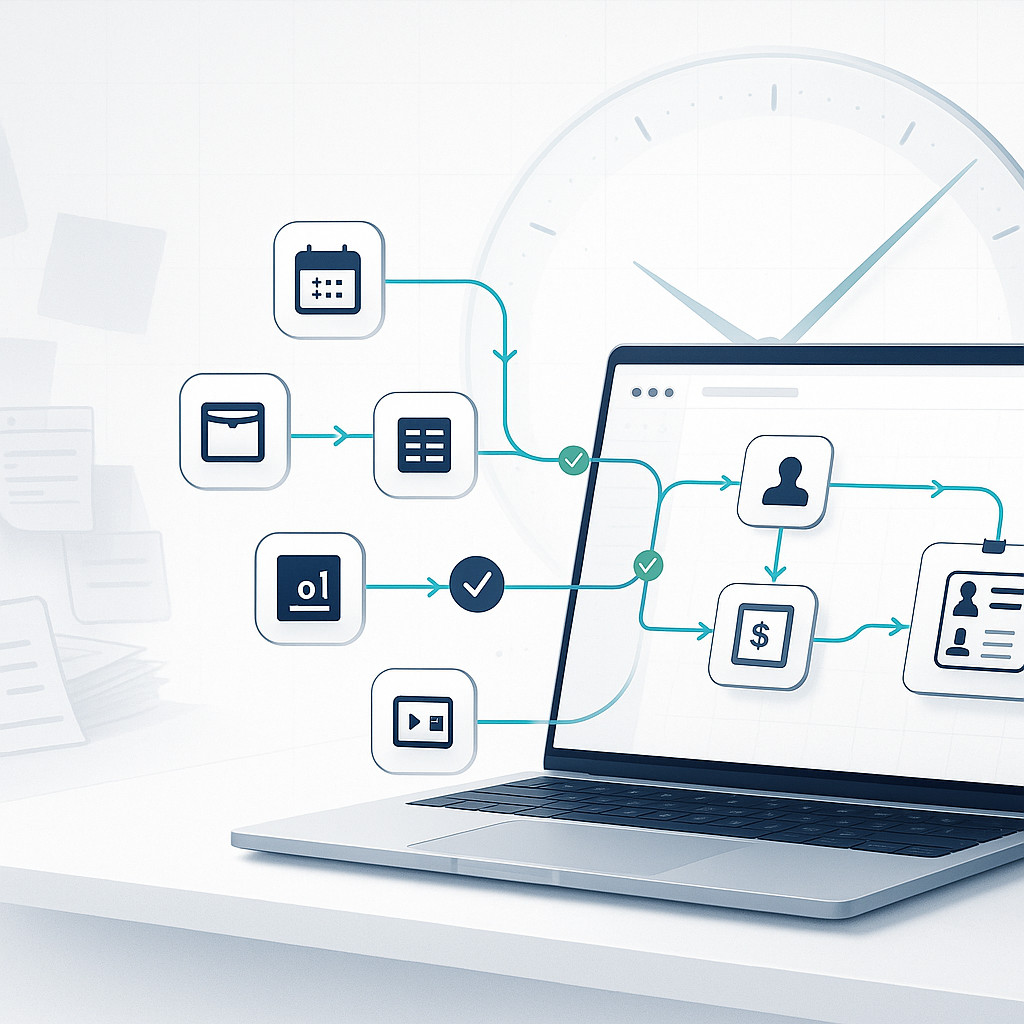
Why You’re Wasting Time On Work Bots Can Do
Most teams are drowning in small tasks that feel necessary but add little value: scheduling meetings, moving data between apps, rebuilding the same report, chasing signatures, and nudging colleagues for approvals. These are predictable, rules-based activities—the exact kind software excels at. Automating them is not about replacing people; it’s about removing friction so your people can focus on creative, strategic work.
Ask a simple question: What tasks do we repeat weekly that follow a clear, consistent pattern? Those are your automation candidates. Start there, not with the most complex workflow you can find.
Quick Wins You Can Automate This Week
Scheduling and Calendar Coordination
- Use a self-serve booking link that integrates with your calendar and conferencing tool. Your no-show rate drops when reminders are automatic, and the back-and-forth disappears.
- Tools to explore: Calendly, Google Calendar appointment slots, Microsoft Bookings.
Email Triage and Follow-Ups
- Create rules to auto-label, route, or archive common messages (e.g., receipts, newsletters, status updates).
- Use templates and sequences for standard replies, renewals, and check-ins.
- Tools: Gmail/Outlook rules, shared inboxes (e.g., Help Scout, Front), CRM email sequences.
Data Entry and Document Generation
- Auto-generate proposals, quotes, and contracts from a CRM or form submission. Push data to the right fields and send for e-signature automatically.
- Tools: Zapier/Make/Power Automate, Google Docs/Word templates, DocuSign/PandaDoc.
Approvals and Requests
- Replace “Did you see my message?” with a simple form + automated routing. Notify approvers, time out escalations, and log decisions.
- Tools: Jira Service Management, ServiceNow, Notion or Airtable forms + automation, Slack/Teams approvals.
Reporting and Dashboards
- Schedule recurring reports to pull fresh data and deliver to Slack/Teams or email. Stop rebuilding the same deck every Monday.
- Tools: Looker Studio, Power BI, Tableau, Google Sheets + Apps Script.
Processes To Tackle Next Quarter
Customer Onboarding
- Trigger onboarding tasks when a deal closes: welcome emails, account provisioning, kickoff scheduling, training resources, and milestone reminders.
Sales Pipeline Hygiene
- Auto-create tasks when deals change stages, sync notes to your data warehouse, and notify stakeholders when risk conditions appear.
Invoicing and Collections
- Generate invoices from signed orders, send reminders at set intervals, and post payments back to your ledger.
IT and HR Provisioning
- Use standardized checklists for new hires or role changes. Auto-provision accounts, request hardware, and capture compliance acknowledgments.
Inventory and Procurement
- Monitor stock thresholds, auto-generate purchase orders, and route approvals to the right manager.
How To Decide What To Automate
Use these criteria to prioritize:
- Volume: The task happens often (daily/weekly) across people or departments.
- Rules-based: Clear inputs and outputs with minimal exceptions.
- Time sink: Each run takes more than a few minutes and interrupts focus.
- Error-prone: Manual handling introduces mistakes or rework.
- Stable: The process won’t change every other week.
- Measurable impact: You can quantify time saved, error reduction, or faster cycle time.
A quick ROI check:
ROI = (Time saved per run × Frequency × Hourly rate) − Tool cost − Setup time cost
If the result is clearly positive within a quarter or two, it’s a prime candidate.
A Simple Automation Roadmap
1) Audit your week
- For five business days, list recurring tasks. Note time spent, frequency, and where they happen (email, Slack, spreadsheets, CRM).
2) Score and prioritize
- Impact: minutes saved × frequency × number of people affected.
- Effort: complexity, number of systems, exception rate.
- Start with high-impact, low-effort tasks.
3) Map the process
- Define the trigger, inputs, steps, exceptions, outputs, and owner. One page is enough.
4) Choose tools you already have
- Most teams own automation features in their existing stack (Google/Microsoft, Slack/Teams, CRM). Start there before buying new tools.
5) Pilot a single path
- Automate the “happy path” first. Handle exceptions manually while you learn.
6) Measure results
- Track time saved, cycle time, error rates, and employee satisfaction. Publish before/after metrics.
7) Iterate and harden
- Add exception handling, logging, alerts, and documentation. Create a simple runbook.
8) Scale with guardrails
- Use an automation naming convention, version control (where possible), and access controls. Review flows quarterly.
Avoid These Common Pitfalls
- Automating chaos: If the process is unclear, you’ll scale confusion. Standardize first, then automate.
- Ignoring exceptions: Define how to handle edge cases—route to a human with context.
- No owner: Assign a process owner who maintains the automation and metrics.
- Overengineering: Start with native features and connectors before using custom scripts or APIs.
- Zero visibility: Add logs and alerts so failures are discoverable and fixable.
- Security gaps: Limit access, use least privilege, and avoid storing secrets in plain text.
Suggested Tool Stack (By Team Size)
Solopreneurs and Small Teams
- Calendar and scheduling: Google Calendar, Calendly
- Automation: Zapier, Make, IFTTT
- Docs and signatures: Google Workspace/Microsoft 365, DocuSign/PandaDoc
- Task management: Trello, Asana, Notion
Growing SMBs
- Automation platform: Zapier Teams, Make, Power Automate
- CRM and billing: HubSpot, Pipedrive, QuickBooks/Xero
- Support and approvals: Slack/Teams workflows, Jira Service Management, Help Scout/Front
- BI and reporting: Looker Studio, Power BI
Larger Organizations
- Integration and governance: Microsoft Power Platform, Workato, MuleSoft
- Service management and provisioning: ServiceNow, Okta/Entra ID
- Data: Snowflake/BigQuery + scheduled transformations (dbt)
- Monitoring and security: Centralized logging, SSO, secrets management
Mini Case Snapshots
- Recruiting: A staffing firm replaced back-and-forth scheduling with booking links tied to interviewer calendars and auto-reminders. Result: faster time-to-interview and fewer no-shows, while coordinators focused on candidate experience.
- Finance: A services company auto-generated invoices from signed proposals, sent reminders at 7/14/30 days, and reconciled payments to their ledger. Result: cleaner books and reduced manual chasing at month-end.
- Customer Support: A SaaS team used shared inbox rules and templates to triage issues by keyword and route to the right queue. Weekly reports are scheduled to Slack. Result: faster first response and clearer workload distribution.
Actionable Playbook: One-Week Challenge
- Day 1: Audit your recurring tasks and pick two candidates (each >15 minutes per run, occurs weekly).
- Day 2: Map the steps and define the trigger and output.
- Day 3: Implement with built-in tools first.
- Day 4: Pilot on a small subset (one client, one team) and gather feedback.
- Day 5: Measure time saved, fix rough edges, document, and roll out.
Conclusion: Start Small, Scale Fast
You don’t need a transformation program to reclaim hours every week. You need a short list of repetitive tasks, a clear process map, and the discipline to automate the obvious. Focus on high-frequency, rules-based work; use tools you already own; measure the gains; and expand with guardrails.
Call to action: Block 30 minutes this week for a workflow audit. Choose one task, ship a simple automation, and share the before/after with your team. If you want a checklist to get started or a second set of eyes on your roadmap, reach out and let’s put your busywork on autopilot.