The Best AI Systems Reduce Mental Load, Not Just Busywork
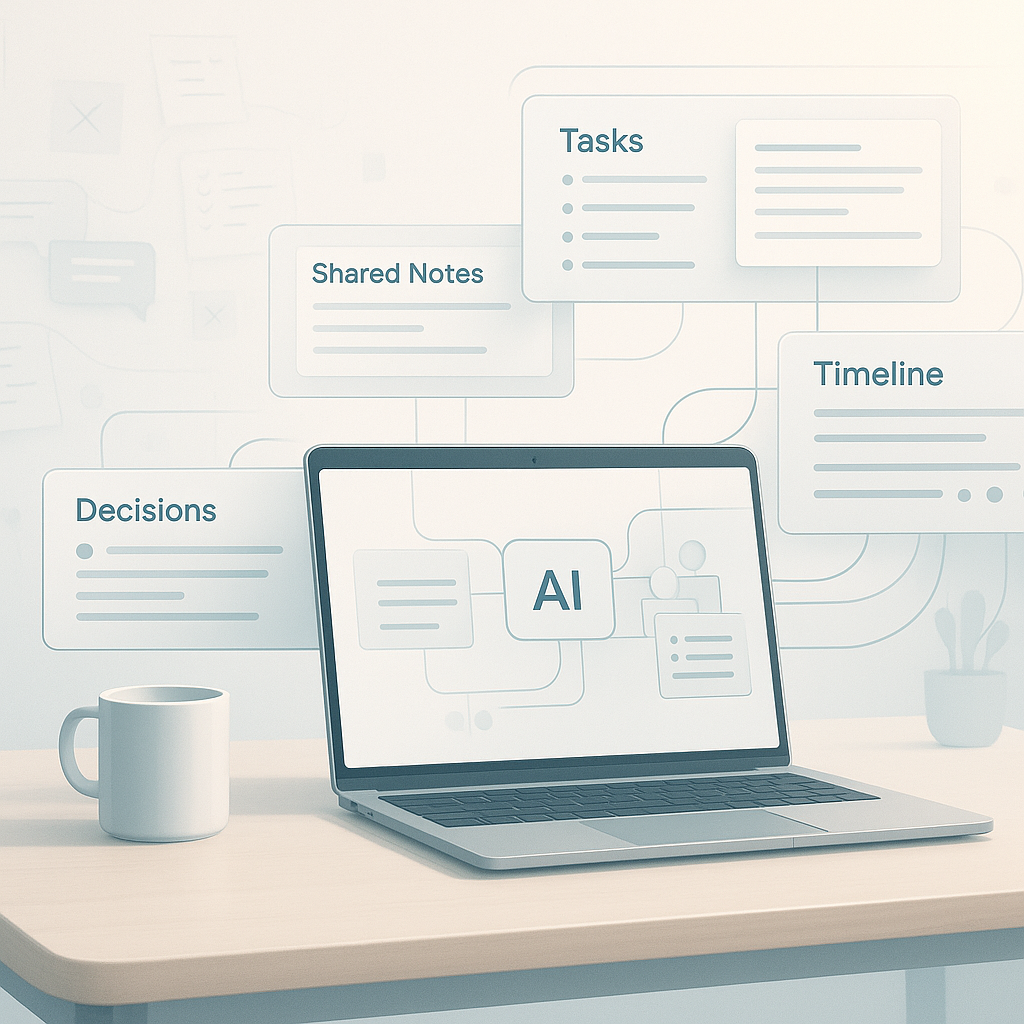
Most AI pitches still focus on speed.
Write the email faster. Summarize the call faster. Draft the proposal faster.
That can help. But in small businesses, the bigger problem is often not task time. It is the constant effort of remembering what is pending, who owes the next step, what changed, and what is likely to get missed.
That is the mental load owners and team leads carry every day.
It shows up in simple operating problems:
- a missed callback because the note stayed in one person's inbox
- an estimate that went out, but nobody knows whether the customer replied
- a field update sent by text that never made it into the CRM
- an invoice delay because the handoff from completed work to billing was unclear
- a weekly meeting spent reconstructing status from memory
AI is most useful when it reduces that burden.
The real problem is scattered context
Many workflow issues are not caused by a lack of effort or a lack of intelligence. They come from context being split across too many places.
A customer conversation is in the call log. The next action is in someone's head. The job status is in the CRM, but it is outdated. The approval is in email. The invoice status is in accounting software. Nobody has a current view without asking three people.
That is where work slows down.
A recent post from Jesse Genet made this point in a simple way. She described a large e-ink display in her home managed by AI agents to help reduce household mental load. The useful idea was not the display itself. It was the operating pattern underneath it: putting the right context where people can actually see it, instead of making them reconstruct the plan over and over. Source: Jesse Genet on X. See also: Jesse Genet on X.
That pattern carries over directly to business operations.
If your team keeps asking for updates, checking three systems, or chasing the same details in Slack, email, texts, and calls, the issue is not that people need another chatbot. The issue is that the workflow has no trusted, visible state.
Useful AI makes status visible and current
The best AI systems often do one plain job well: they keep shared context current without asking people to manually restate everything.
That might look like:
- a follow-up queue that updates after calls and emails
- a daily summary of jobs waiting on customer approval
- a dispatch board refreshed from field notes and calendar changes
- an inbox triage flow that turns messages into tickets with owners and due dates
- a weekly report that groups open items by blocked, waiting, and ready to close
None of that is flashy. But it removes friction.
When the system carries more of the coordination burden, people stop using memory as infrastructure.
Small service businesses rarely break under one giant process failure. More often, they lose time and margin through dozens of small misses:
- a part was ordered, but nobody updated the install date
- a prospect asked for a revision, but the estimate version was unclear
- a completed job sat for four days before invoicing
- a review request was supposed to go out, but the trigger was manual
- a manager had to ask twice before getting the same status update
If AI helps with those small handoffs, it creates real operating relief.
How to spot a good use case
A lot of teams start with the wrong question.
They ask, What can AI do?
A better starting point is, What do we keep carrying in our heads because the system does not hold it well?
Use questions like these instead:
- What do we keep having to remember manually?
- Where does status go stale?
- What information is always needed but rarely visible?
- Who has to chase updates before work can move?
- Which handoff keeps depending on one experienced person to patch the gaps?
- What gets discussed every week because there is no current shared view?
Those questions usually lead to stronger workflow improvements than chasing the newest model or agent setup.
A better test than time savings alone
Time savings matter. But they are not enough.
Some automations save a few minutes while adding another place to check, another prompt to manage, or another output nobody fully trusts. That does not reduce operating drag. It shifts it.
A better test is this:
- Does this reduce the amount of coordination people must carry in their heads?
- Does it make the current state easier to see without asking around?
- Does it reduce follow-up chasing, status meetings, or memory-based work?
- Will the team trust it enough to use it during a busy week?
If the answer is yes, you likely have something durable.
If the answer is no, you may be adding a tool that creates its own overhead.
Start with one messy workflow, not a big AI plan
You do not need an ambitious agent stack to get value here.
Often the practical version is simpler:
- one intake form
- one shared board or dashboard
- one AI step that summarizes or classifies updates
- one place the team already checks
The goal is not to automate everything. The goal is to make one recurring coordination problem less dependent on memory.
A few examples:
After-call follow-up
If sales calls happen, but next steps keep getting lost, AI can summarize the call, draft the follow-up, and update the CRM record with the next action and owner. The win is more than faster notes. The win is that the pipeline status stays current without someone cleaning it up later.
Field-to-office handoff
If technicians send job notes by text or voice memo, AI can turn those updates into structured records: work completed, parts needed, customer issues, and invoice readiness. That reduces the office team's need to chase details before scheduling, billing, or ordering.
Shared weekly status
If every Monday starts with people piecing together what is blocked, waiting, or overdue, AI can compile a summary from tickets, inboxes, and CRM records into one report. The value is not the summary itself. It is fewer hours spent rebuilding context.
What to watch before you launch
Even simple setups can fail if they create more ambiguity.
Check these points early:
- Is there one source of truth for current status?
- Does each item have a clear owner and next step?
- Will people know when the AI output is wrong or incomplete?
- Can the team correct records without extra friction?
- Is the visible view simple enough to scan in under a minute?
If the answer to those is mostly no, fix the workflow before layering on more automation.
AI works better when the handoffs, records, and expectations are already reasonably clear.
Calm is a useful outcome
The most valuable AI systems often do not feel impressive in a demo.
They feel calmer in real operations.
People spend less time checking inboxes for updates, asking who owns the next step, rewriting the same notes into three systems, or carrying half-finished loops in their heads.
That is usually where the business value shows up first:
- fewer dropped follow-ups
- faster invoicing after completion
- cleaner CRM records
- less status chasing
- fewer meeting minutes wasted on reconstruction
If you are deciding where to use AI next, skip the broad question of what sounds advanced. Pick one workflow where people repeatedly rely on memory to keep things moving. Then build a visible, shared layer that stays current.
That is often the difference between an AI tool people try once and a system the team actually relies on.