Work Smarter: Build Scripts to Automate Data Tasks
# Work Smarter: Build Scripts to Automate Data Tasks
Manual data wrangling drains time, attention, and accuracy. The fix is not a bigger spreadsheet; it is a small script that does the same work, the same way, every time. Whether you are consolidating sales reports, cleaning survey responses, or transforming API exports, coding your own scripts unlocks speed, consistency, and confidence.
## Why code your own data manipulation scripts?
- Repeatability: A script runs identically each time, turning ad‑hoc steps into a reliable process.
- Accuracy: Fewer copy-paste errors and formula mistakes; logic is explicit and tested.
- Speed: Minutes instead of hours once the script exists.
- Scalability: Handle thousands or millions of rows without grinding your laptop.
- Versioning: Track changes in Git, review diffs, and roll back if needed.
- Integration: Chain steps, call APIs, and publish outputs automatically.
## Pick the right tool for the job
- Python: Versatile, excellent libraries (pandas, csv, pathlib). Great for CSVs, Excel, APIs, and quick ETL.
- JavaScript/Node.js: Ideal if you already ship web apps or work with JSON; strong file and API handling.
- R: Powerful for statistical data transformation and reporting.
- Bash + Unix tools: Perfect for fast, simple pipelines (grep, awk, sed), especially on servers.
- SQL: When data already lives in a database, push logic to SQL for speed and governance.
You do not have to pick one forever. Start with the language you know best and add others over time.
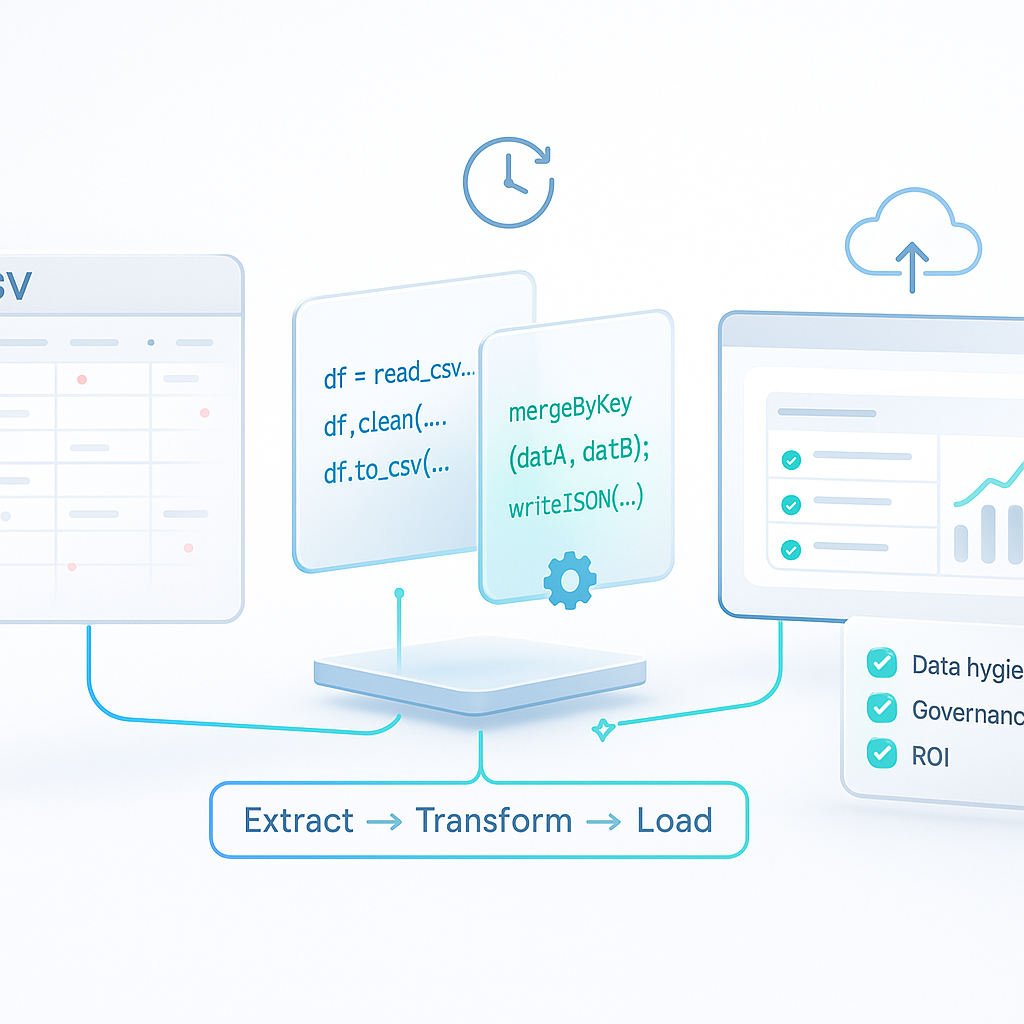
## The core recipe: read → transform → write
Most data scripts follow the same pattern:
1) Read: Load raw input (CSV, Excel, JSON, SQL query, API).
2) Transform: Clean columns, standardize values, filter, enrich, aggregate.
3) Write: Save to a clean format, database table, or dashboard feed.
Wrap that flow with parameters (file paths, dates), basic logging, and simple error handling so it becomes reusable.
## Example 1: Clean a CSV in minutes (Python)
This script standardizes dates, trims whitespace, fixes casing, filters invalid rows, aggregates totals, and writes a clean output. It also accepts parameters so you can reuse it across files.
```python
#!/usr/bin/env python3
import argparse
import pandas as pd
from pathlib import Path
parser = argparse.ArgumentParser(description='Clean and summarize sales CSV.')
parser.add_argument('--input', required=True, help='Path to raw CSV')
parser.add_argument('--output', required=True, help='Path to write cleaned CSV')
parser.add_argument('--summary', required=True, help='Path to write summary CSV')
args = parser.parse_args()
raw_path = Path(args.input)
clean_path = Path(args.output)
sum_path = Path(args.summary)
# Read with explicit options to avoid silent errors
_df = pd.read_csv(raw_path, dtype=str, na_values=['', 'NA', 'null'], encoding='utf-8')
# Normalize columns
_df.columns = [c.strip().lower().replace(' ', '_') for c in _df.columns]
# Cast types and parse dates
_df['order_date'] = pd.to_datetime(_df['order_date'], errors='coerce')
_df['amount'] = pd.to_numeric(_df['amount'], errors='coerce')
# Trim and standardize text
_df['region'] = _df['region'].str.strip().str.title()
_df['product'] = _df['product'].str.strip()
# Filter out invalid records
_df = _df.dropna(subset=['order_date', 'amount'])
_df = _df[_df['amount'] > 0]
# Optional: deduplicate
_df = _df.drop_duplicates(subset=['order_id'])
# Aggregate summary by region and month
_df['month'] = _df['order_date'].dt.to_period('M').dt.to_timestamp()
summary = _df.groupby(['region', 'month'], as_index=False)['amount'].sum()
# Write outputs
_df.to_csv(clean_path, index=False)
summary.to_csv(sum_path, index=False)
print(f'Wrote cleaned data to {clean_path}')
print(f'Wrote summary to {sum_path}')
```
Why this works:
- Explicit dtype and encoding avoid mysterious conversions.
- Coercing types surfaces bad data early.
- Transformations are readable and testable.
- Separate clean and summary outputs support downstream needs.
Actionable tip: Save this in a repo with a README that shows example commands. Commit a tiny sample CSV for quick testing.
## Example 2: Merge JSON records by key (Node.js)
When your data arrives as JSON from different systems, Node.js makes merging straightforward.
```javascript
#!/usr/bin/env node
const fs = require('fs');
const leftPath = process.argv[2];
const rightPath = process.argv[3];
const outPath = process.argv[4];
if (!leftPath || !rightPath || !outPath) {
console.error('Usage: merge.js left.json right.json output.json');
process.exit(1);
}
const left = JSON.parse(fs.readFileSync(leftPath, 'utf8'));
const right = JSON.parse(fs.readFileSync(rightPath, 'utf8'));
const index = new Map();
left.forEach(r => index.set(r.id, r));
right.forEach(r => {
const existing = index.get(r.id) || {};
index.set(r.id, { ...existing, ...r });
});
const merged = Array.from(index.values());
fs.writeFileSync(outPath, JSON.stringify(merged, null, 2));
console.log(`Merged ${left.length} + ${right.length} records → ${merged.length}`);
```
This pattern generalizes: index by a key, merge fields, write a clean result. Add validation to flag conflicting fields or missing keys.
## Automate the run
Once a script produces the right result manually, schedule it.
- macOS/Linux (cron):
```
0 7 * * 1-5 /usr/bin/python3 /path/clean_sales.py --input /data/raw.csv --output /data/clean.csv --summary /data/summary.csv >> /var/log/sales_clean.log 2>&1
```
- Windows Task Scheduler: Create a basic task to run your interpreter with arguments on a schedule.
- CI pipelines: Use GitHub Actions or GitLab CI to run on push or nightly and publish artifacts.
## Guardrails: data hygiene and governance
- Types and locales: Be explicit about number formats (1,234.56 vs 1.234,56) and decimal separators.
- Encodings: Default to UTF‑8; detect and convert other encodings to prevent garbled text.
- Dates and time zones: Store in UTC when possible and handle time zone conversion at the edges.
- Missing values: Decide policies (drop, fill, or flag) and encode them consistently.
- Idempotence: Running twice should not double count; write outputs deterministically or include a run date partition.
- Logging: Print key counts (rows in/out, errors found) so you can spot anomalies fast.
- Secrets and PII: Keep credentials in environment variables or a secrets manager. Mask or hash sensitive fields.
- Validation: Add simple assertions (e.g., no negative amounts) and fail fast when violated.
## Measure the ROI
A simple formula sells the value:
- Setup time: 3 hours to write and test a script.
- Run time: 2 minutes per day automated.
- Replacement: Replaces 30 minutes of manual work per day.
Break‑even in about 6 workdays, then pure savings. Multiply by teammates and frequency to build the business case.
## A minimal blueprint for reusable scripts
- Parameters: Accept input/output paths and dates via flags.
- Structure: Keep a single entry point and separate helper functions for transforms.
- Tests: For key transforms, write tiny unit tests or snapshot tests using sample data.
- Docs: Include a README with usage and examples; show expected input/output schemas.
- Version control: Commit your script and sample data; open a pull request for changes.
## Getting started this week
1) Pick one repetitive data task that takes 20+ minutes.
2) Write down the steps you do today; that is your pseudo‑code.
3) Implement read → transform → write in Python or Node.js.
4) Save a tiny sample file for testing and a real file for validation.
5) Add parameters, basic logging, and one or two validations.
6) Run in your environment, compare results to your old method, and adjust.
7) Schedule it and share the script with your team.
## Conclusion: Script once, benefit daily
Coding your own data manipulation scripts turns fragile, manual routines into dependable, fast, and auditable processes. Start small, make it parameterized, log the essentials, and automate the run. The compound returns show up every week in saved time and fewer errors.
Call to action: Choose one data cleanup or merge you do regularly. Block 90 minutes to script it using the examples above. Put it on a schedule, measure the time saved, and share the win with your team. Then do it again next week.