A Cleaner Spreadsheet Is Not the Goal. A Better Decision Is.
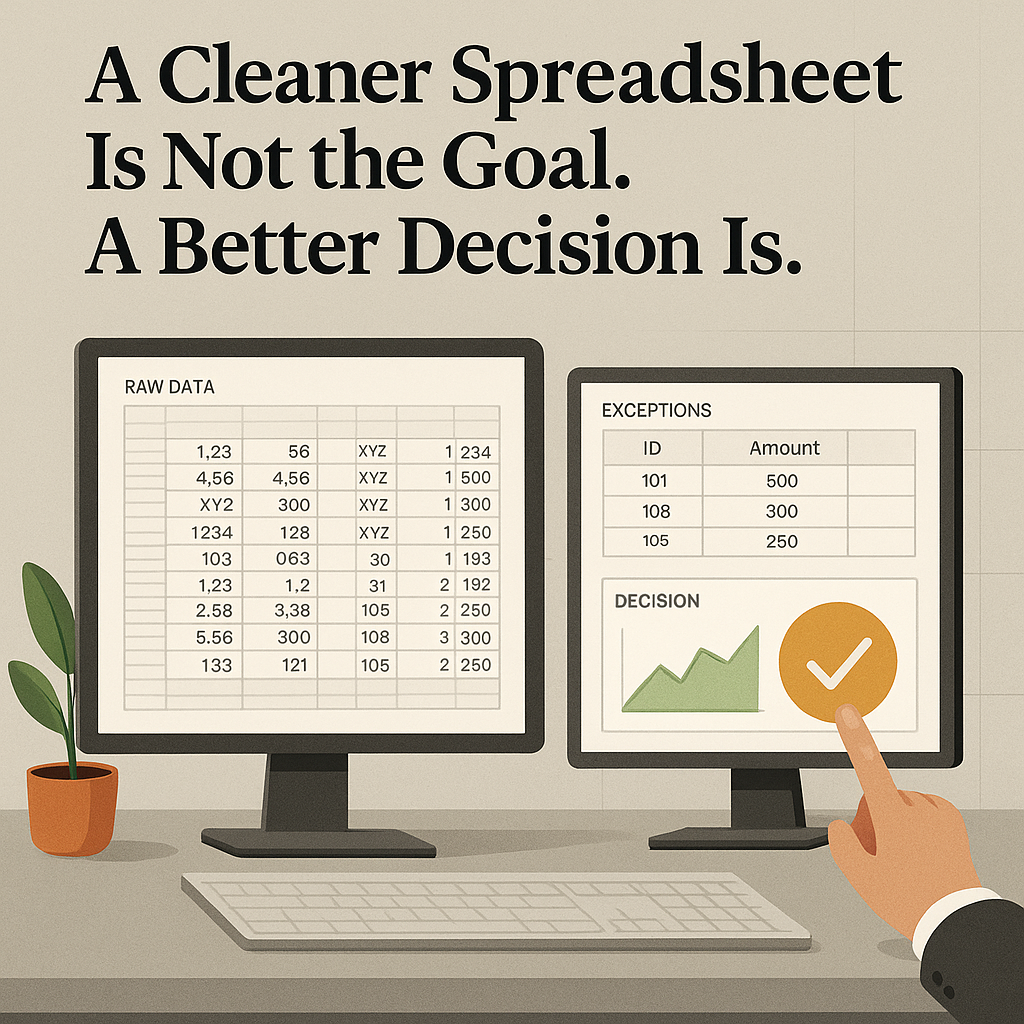
Most spreadsheet work starts with a simple request and turns into recurring cleanup.
A CRM export lands in a folder. Someone fixes blank fields, standardizes a few labels, builds a pivot table, and tries to answer the real question from memory. The file gets renamed three times. A week later, the team repeats the same process.
The operating problem is not the messy spreadsheet by itself. It is using a messy spreadsheet to make a business decision about budget, staffing, follow-up, inventory, billing, or service.
A better workflow gives Codex a clear decision to support. It protects the original export, documents each cleanup rule, separates automatic fixes from judgment calls, and produces something a manager can actually use in a meeting.
A cleaned file matters. But it is still an intermediate step. The real output is a better answer to a question like:
- Which lead sources are creating qualified opportunities?
- Which products are close to stockout?
- Which support tickets are aging without action?
- Which invoices or claims need manual review?
- Which donation or membership records need follow-up?
Start with the decision
A weak request sounds like this:
Analyze this spreadsheet and tell me what you find.
That usually creates noise. Codex may be able to inspect files, run commands, and create outputs, but it still needs a target. OpenAI's Codex quickstart explains that Agent mode can read files, run commands, and write changes in a project directory, which is useful because the work can stay tied to real inputs and outputs: https://developers.openai.com/codex/quickstart#setup
A stronger request names the business decision first:
Analyze this CRM export. Do not modify the original file. Create a cleaned copy, document every cleaning rule, and produce a dashboard that answers which lead sources are creating qualified opportunities, where follow-up is overdue, and which records need human correction.
That changes the job. Codex is not there to sound insightful. It is there to help an operator answer a decision question with traceable work.
What a practical workflow looks like
A useful spreadsheet workflow usually has six parts.
1. Keep the raw export untouched
Do not work in the only copy.
Codex should preserve the original file and work from a copy. That gives you a clean comparison point, lowers the risk of accidental loss, and makes review possible later.
If someone asks why a count changed, you need the raw export available.
2. Name the question before cleaning
Before any cleanup starts, write down what the file needs to answer.
Examples:
- Which lead sources deserve more budget next month?
- Which items need action this week?
- Which records are blocking service, billing, or follow-up?
- Which open tickets need escalation?
If the team cannot state the decision, the cleanup effort tends to expand without improving anything important.
3. Create a cleaned copy with a rule log
The cleaned version should not be a mystery file with nicer formatting.
It should come with a simple log showing what changed. For example:
- normalized phone numbers
- trimmed extra spaces
- standardized source names
- parsed dates into one format
- removed exact duplicate rows
- split full names into first and last name
- flagged blank owner fields as exceptions
The rule matters as much as the output. If your team cannot explain how the cleaned file differs from the raw one, it should not treat the report as reliable.
4. Separate safe fixes from human review
Some issues can be fixed automatically. Some should stop and wait for a person.
Common review cases include:
- missing email addresses
- suspicious order totals
- conflicting customer or lead statuses
- five spellings of the same lead source
- records missing an owner
- dates that do not fit the expected range
A good workflow produces an exception list instead of hiding uncertainty.
That list should include:
- the row or record ID
- the field with the issue
- what looks wrong
- why it matters
- who should review it
5. Produce an output built for the decision owner
The final output should help the person responsible for the decision, rather than only the person comfortable in spreadsheets.
That might be:
- an HTML dashboard
- a spreadsheet tab with charts
- a short memo with key findings
The format matters less than the clarity. A sales manager should be able to discuss lead quality without reopening the export. An operations lead should be able to see what is blocking invoicing or service. A support manager should be able to spot stale tickets fast.
6. Keep final action human-approved
The dashboard can point to where attention is needed. It should not silently update the CRM, change ad spend, send invoices, or overwrite operational records.
The approval gate belongs to the person who owns the outcome.
What Codex should hand back
A good run should create a small package, not a paragraph and a shrug.
That package might include:
- a copied raw export in a read-only location
- a cleaned CSV or XLSX file
- a cleaning log with each rule and affected row count
- an exception table for human correction
- a dashboard or memo that answers the business question
- a short summary with the recommended next decision
- a source-data fix list for the system that produced the export
That last piece is easy to miss and often the most useful.
If the same cleanup happens every week, the better fix may be upstream. Maybe the CRM field options need tightening. Maybe a web form needs validation. Maybe the POS export needs a standard naming rule. If the source stays messy, the report stays expensive.
A simple example: lead source quality
Say a small service business exports 2,000 leads from its CRM. The team wants to know which lead sources are producing qualified opportunities and where follow-up is overdue.
A useful Codex workflow would:
- inspect the CSV structure
- preserve the raw file
- create a cleaned copy
- normalize lead source labels
- check date fields
- identify blank owners
- flag suspicious statuses
- create a dashboard showing lead volume, qualified rate, overdue follow-up count, and records needing correction
The human review step would stay explicit:
- approve or adjust the source normalization map
- review missing owners and contradictory statuses
- confirm which source categories belong together
- decide whether budget, staffing, or follow-up rules should change
That is the right division of labor. Codex prepares evidence. The operator makes the judgment call.
When this becomes a repeatable skill
If the same cleanup pattern works a few times, it should stop living as a long prompt in someone's notes.
OpenAI's Codex skills documentation describes skills as a way to package task-specific instructions, resources, and optional scripts so Codex can follow a workflow reliably: https://developers.openai.com/codex/skills
For spreadsheet work, a narrow skill might define:
- required inputs
- accepted file types
- naming rules
- a read-only raw data rule
- the cleaning log format
- dashboard templates
- review gates
- scripts for CSV profiling, duplicate detection, date validation, or dashboard generation
Keep the scope tight.
Clean all business data is too broad to trust.
Turn one exported spreadsheet into a cleaned copy, exception list, and decision dashboard for a named business question is specific enough to repeat.
When this becomes an automation
Some spreadsheet tasks happen on a schedule: weekly lead reviews, monthly inventory checks, ticket aging reviews, outstanding invoices, donation follow-up, purchase order exceptions.
OpenAI's Codex automation docs explain that automations can run recurring background tasks and can be combined with skills for more complex workflows: https://developers.openai.com/codex/app/automations
That does not mean every spreadsheet should run unattended.
A sensible recurring workflow might:
- watch for a new export in a known folder
- copy it into a run folder
- compare columns against expectations
- stop if required columns are missing
- clean safe fields and log each rule
- create the dashboard and exception list
- summarize what changed since the last run
- ask for approval before updating any system or sending any report
That is an actual operating process. It has inputs, outputs, stop conditions, and a review gate.
Where to start
Do not start with the most sensitive file in the business.
Start with a spreadsheet that already burns time but does not create major downstream risk if the first version needs adjustment.
Good candidates include:
- lead exports used in weekly pipeline review
- inventory reports used for reorder decisions
- support ticket exports used for backlog cleanup
- donation or membership lists used for follow-up
- survey results used for planning
- time tracking exports used for staffing discussion
For the first run, the goal is not full automation. The goal is to prove four things:
- the raw data stays protected
- the cleaning rules are visible
- exceptions are surfaced clearly
- the output helps a human make a better decision faster
A practical prompt can be this simple:
Analyze the CSV export at /path/to/export.csv. Do not modify the original file. Create a cleaned copy in a new output folder. Document every cleaning rule and the number of affected rows. Create an exception list for records that need human correction. Then produce an HTML dashboard and short executive summary that answer this question: [insert the business decision]. Do not update any source system or send any message without approval.
If that workflow cannot protect the raw export, explain its changes, and make the decision clearer without hiding uncertainty, it is not ready to repeat.
If it can, your next step is straightforward: pick one recurring export, define the decision it needs to support, and package the cleanup and review steps so the team stops rebuilding the same spreadsheet ritual every week.