AI Workflow Assessment: What to Expect and How to Prepare
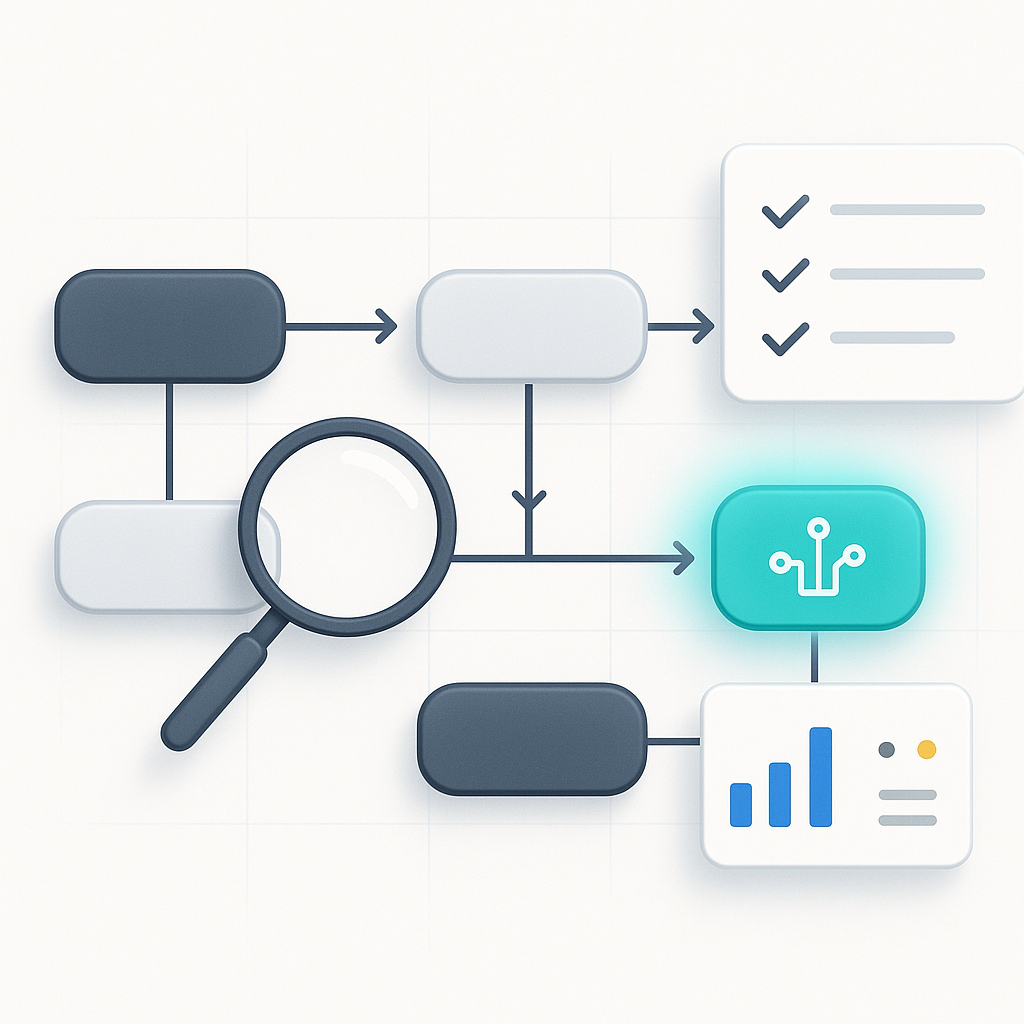
An AI workflow assessment should help you answer a plain operating question: where is AI or automation actually worth using in this business right now?
If it does not help you make that decision, it is hard to use.
A weak assessment usually produces a broad list of ideas that sound reasonable but do not connect to how work actually moves through your business. A useful one shows where time is leaking, where handoffs break, and which fixes are worth doing first.
Most of that depends on the quality of the input.
If the assessor only gets vague goals, you will usually get vague recommendations back. If they get real context about calls, inboxes, approvals, estimates, tickets, CRM updates, and reporting, the output gets much more useful.
What to prepare before the assessment
You do not need a polished operations manual. You need enough detail to show how work gets done today.
Start with a simple view of roles and responsibilities.
Who answers new inquiries? Who builds estimates? Who updates the CRM? Who sends invoices? Who follows up after a job or meeting? This can be informal. The point is to make ownership visible.
Then list your core workflows.
Examples:
- how a lead becomes a customer
- how a proposal or estimate gets created
- how information moves after a call, job, or meeting
- how work gets approved, handed off, or invoiced
- how recurring reports get assembled and reviewed
You should also bring rough time estimates.
These do not need to be exact. “Two hours every Monday” or “someone checks this inbox six times a day” is enough to spot patterns. Good assessments do not require perfect tracking data to be useful.
It also helps to list your current tools.
A practical assessment should account for the systems you already use. In many cases, the best early improvements fit your current environment instead of forcing a full rebuild.
Finally, note the manual work people complain about.
That often reveals the highest-friction tasks:
- copying data between systems
- writing the same follow-up emails repeatedly
- cleaning CRM records
- chasing missing information
- routing tickets or requests by hand
- assembling weekly reports from multiple sources
What the process should include
A solid assessment usually has four phases.
Discovery
This is where context gets collected through a form, a call, or both. The goal is to understand what matters operationally, rather than gather a software wish list.
Workflow mapping
This is where the actual task flow becomes visible. A good map shows handoffs, delays, repeat entry, approval loops, and the places where people work around broken process.
Opportunity review
Here, repetitive, structured, and high-frequency work gets evaluated for AI or automation use.
That might include:
- summarizing calls or meetings
- drafting routine responses
- extracting information from forms or documents
- routing requests based on clear rules
- updating records across systems
Prioritization
This is where the assessment either becomes useful or stays theoretical.
You should leave with a view of:
- what is worth doing first
- what can wait
- what needs testing before broader rollout
- what is probably not worth touching right now
What useful output looks like
Good output is specific.
It should name real workflows, not abstract categories. It should explain tradeoffs, include uncertainty where needed, and give you a sequence instead of a pile of suggestions.
It should also avoid turning into a disguised sales pitch for one platform.
A useful report helps you make operating decisions such as:
- Who owns the next step?
- What can the team handle internally?
- What requires outside help?
- What should be piloted before approval for a larger change?
- Which workflow improvements depend on process cleanup first?
That last point matters. Sometimes the assessment shows that the first fix is not AI. It is standardizing intake fields, tightening a handoff, or cleaning up a review loop so automation has something stable to work with.
How to tell whether the assessment was worth it
The best assessments are decision tools.
They do not stop at “here are some possibilities.” They help you choose what to improve, automate, or ignore.
[Leaf Lane's AI Assessment] is designed around that same idea: gather enough information to be useful, use automation where it helps, review the result before delivery, and give the client a clearer next step than they had before.
Before you schedule any assessment, gather a rough workflow list, note where people lose time, and write down the tasks your team keeps complaining about. That alone will improve the quality of the recommendations you get back.