An AI Receptionist Should Ask Fewer, Better Questions
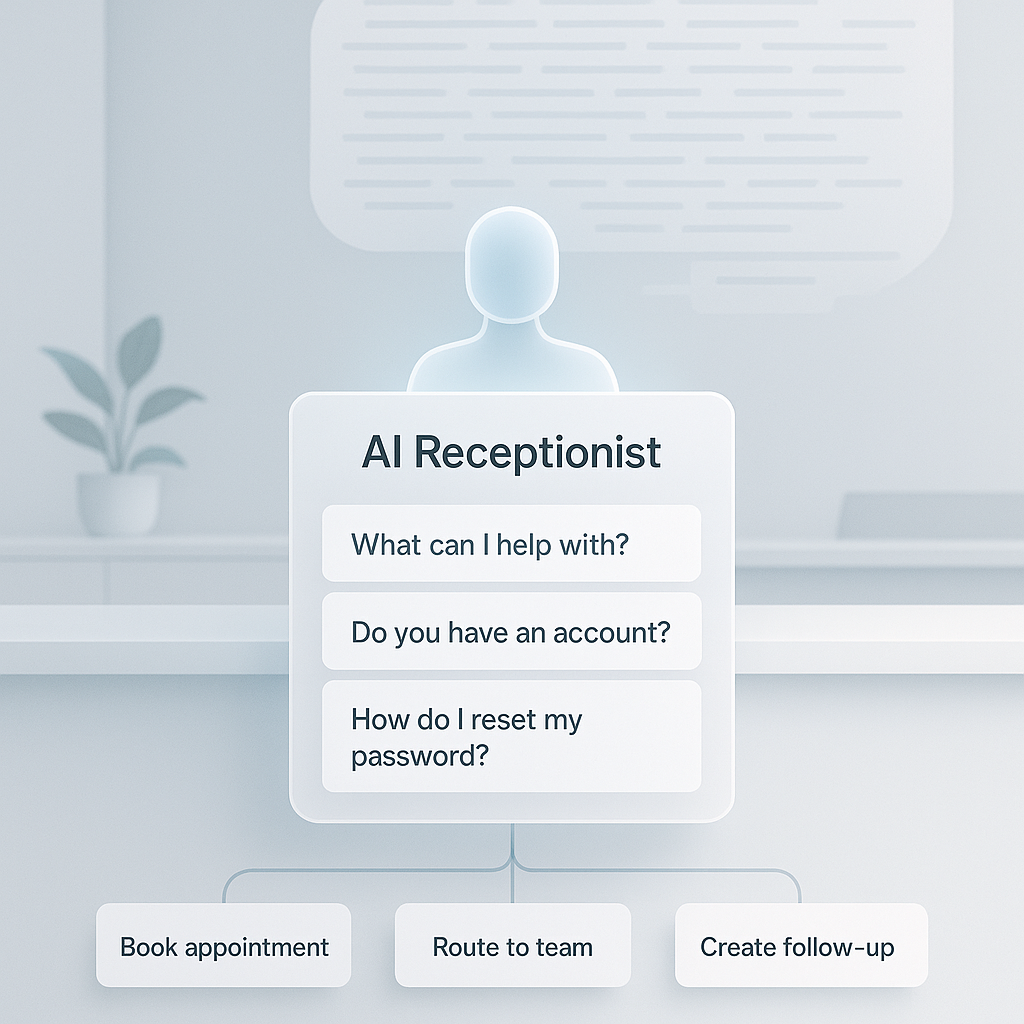
A business does not need an AI receptionist that sounds impressive. It needs one that helps the caller get somewhere useful fast.
That is a different standard.
Most callers are not looking for a long intake process. They want to know three things: can you help, what happens next, and did you understand the request. That applies whether they are calling about a quote, an appointment, a repair, a refill, a reservation, or a follow-up.
A lot of voice AI setups miss this. The script tries to gather every field the business might want later: full contact details, service history, budget, address, timing, preferences, edge cases, internal routing notes, and qualification details. On paper, that sounds efficient. On a live call, it often feels like someone reading a form out loud.
Start with minimum viable intake
A better approach is minimum viable intake.
That means the receptionist collects enough information to move the caller to the right next step, then stops. It does not try to finish the whole job in one conversation.
For many businesses, the first layer is simple:
- who is calling
- what they need help with
- how to reach them back
- whether there is any urgency or safety issue
- what next step should be confirmed before the call ends
That is often enough to:
- route the call to the right person or queue
- create a useful CRM note
- schedule a callback
- trigger a follow-up message
- flag urgent work for immediate review
The rest can be collected later by a person, through a form, during scheduling, or inside the actual appointment or estimate process.
The point is not to collect less because details do not matter. The point is to collect the right details at the right moment.
Why longer call scripts often make operations worse
Long intake scripts usually come from reasonable goals.
The owner wants better records. The team wants fewer back-and-forth calls. Someone wants cleaner estimates, better lead qualification, and less admin work. Those are valid operating goals.
But a phone call is not the same thing as an internal checklist.
The caller may be driving. They may be frustrated. They may be at work between meetings. They may not know the exact service name. They may already have tried the website and failed to find the answer. If the receptionist starts asking for fields before establishing the next step, trust drops quickly.
Longer intake also creates worse data more often than people expect.
- callers guess
- they rush through answers
- they give partial details
- names, addresses, and service terms get misheard
- the team has to clean up bad CRM records later
So the business ends up with a slower call and more admin afterward.
A shorter call with a clean handoff is usually the better operating result.
Decide what belongs in the call and what does not
A useful receptionist flow separates three things:
- what must be known now
- what would be helpful later
- what should be handled by a person
Only the first category belongs in the default script.
The second belongs in the follow-up workflow.
The third belongs in the escalation path.
Here is what that looks like in practice.
Home service example
A home service business may need:
- caller name
- callback number
- service category
- location area
- urgency
It probably does not need a full diagnostic interview before someone calls back or books the job.
Clinic example
A clinic may need:
- caller name
- callback number
- general reason for calling
- whether the situation sounds urgent
It should be careful with sensitive details and route clinical matters to the right person instead of trying to gather too much on the phone.
Venue example
A venue may need:
- event date
- rough guest count
- contact information
- whether the caller wants pricing, availability, or a tour
It does not need to settle every package detail during the first call.
The operating question is simple: what information lets your business help responsibly without making the caller do too much work?
Build the script from recent call patterns
If you are revising an AI receptionist, start with what already happens in your business.
Review:
- recent call recordings or transcripts
- missed-call notes
- receptionist scripts
- website intake forms
- CRM records
- tickets or inbox handoffs
Look for the details that consistently determine the next step. Those are the details that belong early.
Then sort your current questions into four groups:
- Keep: required to route, schedule, follow up, or identify urgency
- Move later: useful, but not needed before the first handoff
- Ask only if triggered: needed only for certain service types, risks, locations, or appointment categories
- Remove: redundant, confusing, too sensitive, or better handled by a person
That exercise usually shortens the script fast.
It also exposes a common problem: many questions exist because they were useful for reporting, not because they help the caller move forward.
A practical first-version script
A good first version is usually plain.
It might sound like this:
- Thanks for calling. I can help get this to the right person. What are you calling about today?
- Can I get your name?
- What is the best phone number or email for the team to reach you?
- Is this urgent for today, or is a normal follow-up okay?
- I have that noted. The next step is
callback,appointment request,message to the team,transfer, oremergency instruction.
This pattern works because it does a few things well:
- one question at a time
- clear reason for each question
- a confirmed next step before the call ends
- no attempt to force every scenario into a long checklist
That will not cover every business case. It should not. The goal is a reliable front door, not a phone system that tries to act like five departments at once.
Keep human review where the risk is real
An AI receptionist can collect information, summarize a call, create a task, update a CRM record, and route work. That does not mean it should make every decision.
Human review should stay close to calls involving:
- pricing commitments
- medical or legal judgment
- refunds
- complaints
- unusual urgency
- scheduling exceptions
- sensitive customer data
- anything that could materially affect the customer relationship
This is where the handoff note matters more than the transcript.
A good structured note should include:
- caller name and contact method
- reason for calling
- requested service or topic
- urgency
- promised next step
- missing information
- confidence notes or likely transcription issues
- recommended owner or queue
That note is what helps a team member act quickly. A raw transcript alone usually does not.
Turn the pattern into a repeatable operating rule
Once the intake pattern works manually, the repeatable parts can become a skill or automation.
A skill might define:
- which questions to ask first
- which topics require escalation
- what language to avoid
- what data should not be collected
- how the call note should be formatted
- which CRM fields actually matter
An automation might:
- review new transcripts each day
- flag calls where too many questions were asked
- identify callers who dropped or sounded frustrated
- summarize missing information across calls
- suggest script changes for review
That review step should stay in place. Voice workflows touch customers directly. Small wording changes can affect trust, conversion rates, scheduling accuracy, and service quality.
The system should help your team improve the script. It should not quietly rewrite the front desk process on its own.
Use this launch check before you expand the script
Before you launch or revise an AI receptionist, check the basics:
- Does every question have a clear operating purpose?
- Can the caller answer one question at a time?
- Are sensitive or complex topics routed to a person quickly?
- Is the next step confirmed clearly before the call ends?
- Does the note help a human act, or does it just store text?
- Is there a review loop for failed or frustrating calls?
If the answer is no on any of those, simplify the flow before adding more automation.
A shorter script often does more useful work than a smarter-sounding one.
For most small businesses, the first win is not a fully autonomous phone agent. It is a receptionist that answers consistently, asks a few useful questions, creates a clean handoff, and knows when to stop.
That is enough to recover missed calls, reduce messy inbox follow-up, and give your team cleaner next actions. If you are improving your setup, start by cutting questions until only the ones tied to routing, urgency, and the next step remain.