Lightweight QA: A Codex Workflow for Business-Critical Checks
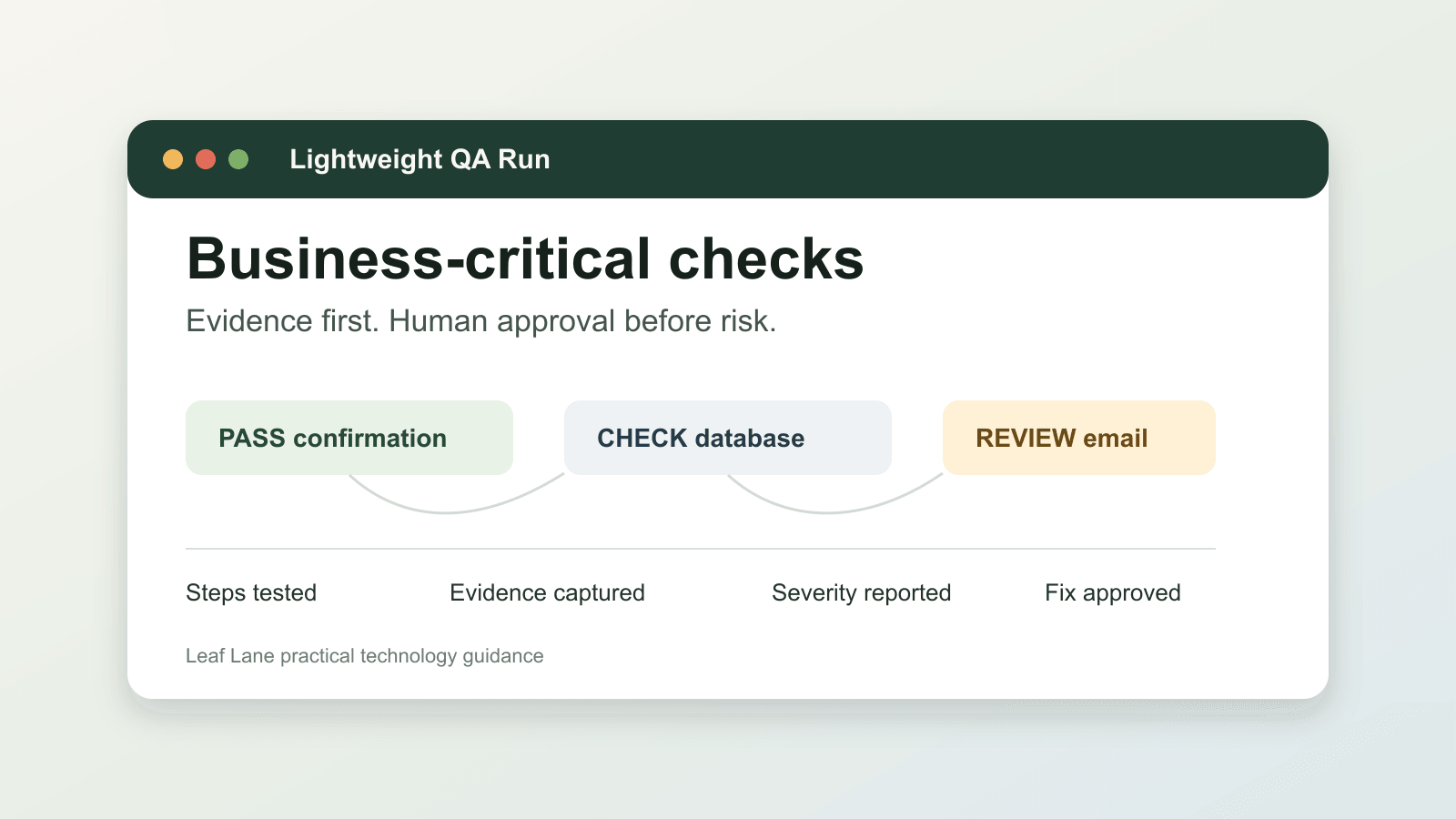
A workflow does not need to be complicated to cause real damage.
A customer intake form can look normal but fail to save the submission. A checkout flow can accept test data yet skip the confirmation email. A client portal can work on your laptop and fail on a phone. A monthly export can finish on schedule while the totals no longer match the source system.
Those are operating problems. They create missed leads, support tickets, manual cleanup, and bad handoffs between teams.
That is where lightweight QA helps. You are not building a full testing department. You are setting up a repeatable check that proves a business-critical workflow still works before customers or staff depend on it.
Codex fits this kind of work well because the task is bigger than "look at this page." The useful job is to follow a defined path, gather evidence, compare it to the expected result, and point out what needs human review. OpenAI's Codex best-practices guidance explicitly includes validation, testing, checks, and review as part of reliable Codex work: https://developers.openai.com/codex/learn/best-practices
Start with one workflow that fails quietly
Pick one workflow where a small break creates a bigger mess later.
Good starting points:
- customer intake forms
- appointment booking
- checkout
- lead capture
- document upload
- client portals
- internal dashboards
- recurring reports
The best first choice has two traits:
- the expected result is easy to describe
- the evidence is easy to verify
A lead form is a good example. You can check whether the page loads, the form submits, the confirmation appears, the CRM or database record is created, and the notification email stays in draft.
That is much easier to verify than a vague goal like "test the site."
Give Codex the operating context it needs
Most QA failures start with a fuzzy prompt, not a bad tool.
Before Codex runs a check, define the practical inputs:
- the app or site to test, such as a staging URL, local app, or admin page
- the allowed test data, such as names, emails, products, accounts, or files that are safe to use
- the expected result, such as a confirmation page, saved row, generated email draft, uploaded file, payment test event, or export file
- the systems Codex may inspect, such as browser pages, logs, screenshots, database tables, email previews, CSV exports, or local files
- the boundaries, especially what it must not do
Those boundaries matter more than the test steps. Be explicit about actions that are off limits:
- do not use real customer data
- do not send real emails
- do not place live orders
- do not charge a card
- do not delete records
- do not change production settings
Then ask Codex to return evidence, not impressions.
A practical QA prompt can be simple:
Perform a QA pass on the customer intake workflow. Open the local app, complete the intake form using approved test data, verify that the confirmation page appears, confirm the submission is saved in the database, and check that the notification email draft is generated.
Return a concise QA report with steps tested, screenshots or file paths when available, bugs found, severity, and recommended fixes. Do not use real customer data. Do not send any email. Stop and ask before changing code or records.
That gives Codex a narrow job with clear stop rules.
Ask for a report your team can actually use
A useful QA report should read like an operations handoff, not a chat summary.
What you want back:
- Steps tested: the exact path Codex followed, including pages visited, fields submitted, files opened, or records queried
- Evidence: screenshots, console errors, log snippets, database record IDs, exported filenames, or similar artifacts that show what happened
- Expected versus actual: plain-language comparison at each checkpoint
- Issues found: each bug or risk with severity, likely cause if known, and who should review it
- Recommended next action: fix now, monitor, retest after deployment, or leave unchanged because the behavior is expected
This structure matters because it reduces review time.
A team lead should be able to scan the report and answer a few practical questions:
- Did the workflow complete?
- Where did it fail?
- Is this customer-facing or internal only?
- Do we need a developer, an ops person, or a business owner to review it?
- Can we ship, or does this need a hold?
That is the difference between a helpful QA run and another document no one uses.
Keep human approval where the business risk is
Lightweight QA should make decisions easier. It should not quietly make the decisions for you.
For most businesses, a person should still approve:
- test scope
- production access
- customer-facing sends
- payment actions
- database changes
- permission changes
- code fixes
- deployments
A practical rule is simple:
- Codex can run safe checks and gather evidence by default
- a person approves anything that changes customer data, sends messages, moves money, changes permissions, or deploys a fix
That split keeps QA useful without turning it into an uncontrolled automation.
Turn repeatable checks into a Codex skill
If the same QA pass works more than a few times, do not leave it buried in someone's notes or pasted from an old chat.
Make it reusable.
OpenAI's skills documentation describes skills as reusable workflows that package task-specific instructions, resources, and optional scripts so Codex can follow a workflow reliably: https://developers.openai.com/codex/skills
For QA, a SKILL.md can define:
- which workflows are in scope
- where test accounts, fixtures, or sample files live
- which commands start the app and run targeted tests
- which browser paths to click through
- which database tables or exports to inspect
- what evidence must appear in the final report
- which actions require approval before Codex continues
Optional scripts can make these checks more dependable:
- seed test data
- reset a staging account
- compare an export to a fixture
- redact sensitive fields from screenshots or logs
This is where QA starts to feel less like a one-off task and more like a stable operating process.
When the check is stable, automate the schedule
Once the workflow is clear and the evidence is consistent, you can run it on a schedule.
OpenAI's Codex automation docs describe recurring background tasks that can report findings to the Codex inbox and combine with skills for more complex work: https://developers.openai.com/codex/app/automations
A practical example:
A customer intake QA automation runs every weekday morning against staging. If everything passes, it stays quiet. If the form breaks, a required field stops saving, or the email draft fails to generate, the team gets a report with evidence.
That matters for a simple reason: consistency.
- the same checks run the same way
- the same evidence is collected
- the same severity language shows up each time
- the same approval rules stop a routine QA pass from becoming a production change
For a small team, this is often more valuable than speed. It reduces the review loop and catches breakage before someone notices it through a missed lead, a support complaint, or a broken report.
Keep the first version small
Do not try to test the whole business in version one.
Pick one path where the expected result is obvious.
Examples:
- For a lead capture form: page loads, form submits with test data, confirmation appears, record saves, notification draft is created, and no console error appears.
- For a monthly reporting flow: source file exists, required tabs are present, totals match the source, dashboard file is created, and the email stays in draft until approved.
- For a client portal: test user can sign in, expected account page loads, one file download works, one upload uses test data, and no private data appears outside the test account.
Each run teaches you something practical:
- where the workflow needs a clearer expected result
- where the test account is not safe enough
- where evidence is too hard to collect
- where approval gates are missing
That is how a small check turns into a useful operating control.
The useful way to apply this
The point of lightweight QA is not to hand off quality responsibility to Codex.
The point is to create a repeatable way to notice failures earlier, with evidence attached, before they create customer issues or internal cleanup.
Give Codex a narrow assignment:
- test the path
- collect evidence
- name the risk
- recommend the next step
Keep people responsible for scope, judgment, customer impact, and approval.
If you want to use this in your own operation, start with one workflow that would hurt if it broke quietly. Write down the expected result, define safe test data, set the approval rules, and run the smallest QA pass that would catch the failure you are most likely to miss.