10 Practical Takeaways from OpenAI's GPT-5.4 Prompt Guidance
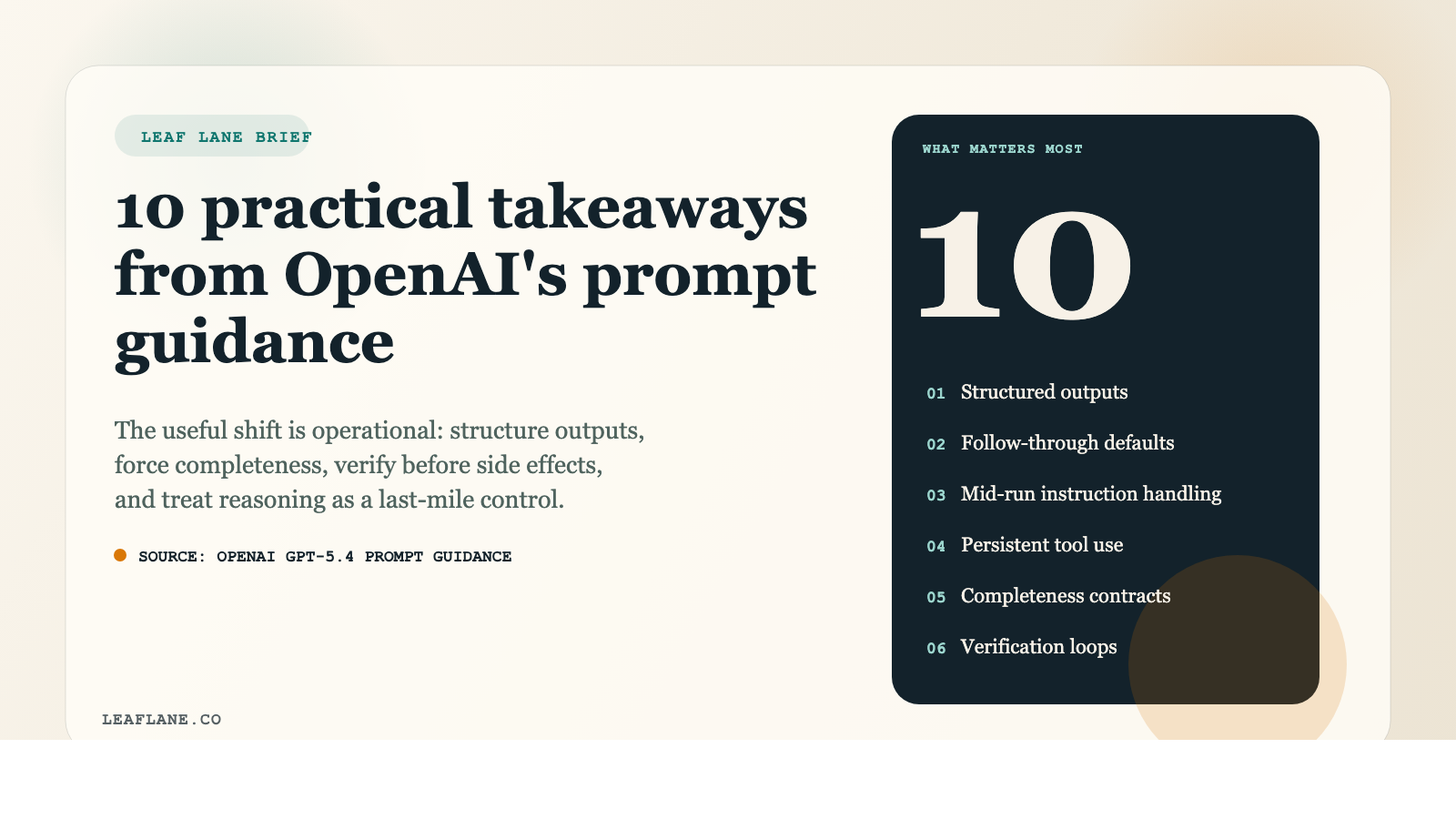
OpenAI's guidance for GPT-5.4 is useful for a simple reason: it shifts the conversation away from prompt tricks and toward operating discipline.
That matters if you are building anything that touches real work: inbox triage, estimate drafting, CRM updates, support research, coding agents, reporting workflows, or internal assistants that need to take action without creating cleanup for your team.
The main lesson is straightforward. Better prompting is less about clever wording and more about giving the model a clear contract:
- what the task is
- what a finished result looks like
- when to keep going
- when to check its work
- when to stop and ask for help
For teams building assistants, research flows, or coding agents, that is the shift worth paying attention to.
1. GPT-5.4 is strong by default, but important work still needs a tighter contract
The guide makes a helpful distinction. GPT-5.4 is already strong on instruction following, tool use, and structured tasks. You do not need to over-specify every simple request.
But when the work has consequences, explicit prompting still matters.
Think about tasks like:
- summarizing a customer call and logging the right next step in the CRM
- checking an invoice total before sending it
- gathering sources for a market research memo
- editing multiple files in a codebase
- drafting a response from a shared inbox
In these cases, a loose prompt often creates avoidable errors. The practical move is to tighten the task only where failure is costly.
2. Compact, structured outputs are easier to run in a business process
One of the clearest themes in the guide is to keep outputs compact and structured.
That is not a style preference. It helps operations.
A short, defined output is easier to:
- inspect quickly
- paste into another system
- route to the next step in a workflow
- compare in evaluations
- reuse in automation
If an assistant is summarizing a sales call, a useful prompt shape is usually something like:
- customer goal
- blockers
- promised follow-up
- owner
- due date
That is more useful than a polished paragraph that sounds good but is harder to scan or pass into another step.
If you want consistency, define the answer shape instead of hoping the model infers it.
3. Defaults matter when users leave gaps
A lot of workflow failures happen because the model does not know what to do when the user leaves out small decisions.
The guide emphasizes giving the model defaults for follow-through. That is operationally important.
Without defaults, assistants tend to:
- stop too early
- ask unnecessary clarifying questions
- interpret instructions too literally
- leave edge cases unresolved
In practice, defaults might include rules like:
- continue until all requested records are checked
- use the latest uploaded file unless told otherwise
- if a field is missing, mark it clearly instead of guessing
- summarize findings first, then list open questions
This is especially useful in recurring tasks like ticket triage, calendar prep, or estimate review, where the user expects the system to keep moving unless something truly blocks it.
4. You need a rule for changing instructions mid-run
Real work changes direction. A manager adds a constraint halfway through. A customer updates the scope. A user corrects a source or changes the priority.
The guide explicitly calls out mid-conversation instruction updates, and that is more important than it sounds.
If your workflow runs across several steps, the model needs to know how to handle new instructions when they conflict with earlier ones. Otherwise it may continue on the wrong track while sounding confident.
This is relevant for:
- long email drafting threads
- multi-step research tasks
- coding sessions across several files
- admin assistants handling scheduling and follow-up
A small rule here can prevent a lot of rework.
5. Tool use needs persistence rules, not access alone
Giving a model access to a browser, terminal, CRM, or search tool is not enough.
The guide's stronger point is that you also need to define when the model should keep using the tool, when it can stop, and what counts as enough evidence from the tool results.
Many weak agent workflows fail the same way: they check one source, get a plausible answer, and stop before the job is actually grounded.
A better prompt policy might say:
- keep searching until you find supporting evidence from retrieved sources
- do not answer from memory if a tool is available for verification
- continue checking files until all referenced items are reviewed
- stop only when the requested fields are filled or clearly marked missing
For coding agents, browser agents, and internal knowledge systems, this is often the difference between a grounded workflow and an expensive guess.
6. Multi-step tasks need a clear definition of done
Long-horizon tasks often break because the model finds one plausible answer and stops.
The guide recommends explicit completeness checks for multi-step work. That is one of the most practical ideas in the document.
If the task covers multiple files, records, sources, or actions, define what complete means.
Examples:
- review all attachments before drafting the client reply
- compare this month's report against last month's and flag missing categories
- update every CRM record listed in the input, rather than only the first few
- inspect all affected files before saying the bug is fixed
A completeness rule is often more useful than asking the model to think harder. If it knows what finished work requires, it is less likely to stop at the first acceptable-looking result.
7. Verification should happen before anything costly or hard to reverse
OpenAI's guidance on verification loops is one of the strongest sections in the document.
If the action has consequences, the model should verify before it acts.
That can mean:
- rereading a file before editing it
- checking a calculation before sending a quote
- confirming a date before booking a meeting
- validating a tool result before writing it into a CRM
- checking cited evidence before summarizing research
This is not flashy, but it is how you reduce expensive mistakes.
A good business rule is simple: the harder the action is to unwind, the more explicit the verification step should be.
8. Research workflows should stay tied to retrieved evidence
For research tasks, the guide pushes a grounded pattern: search first, then cite only what was actually retrieved.
Research failures are often not wild fabrications. More often, the model fills gaps with smooth language and weak support.
If you are using GPT-5.4 for research memos, competitor scans, vendor comparisons, or policy summaries, the instruction should make evidence discipline part of the task itself.
Useful rules include:
- gather evidence before drafting conclusions
- cite only retrieved material
- separate verified findings from open questions
- do not smooth over missing support
For business users, this is the difference between a memo that can be reviewed quickly and one that sends someone back to recheck every claim.
9. Coding and terminal work needs clear execution boundaries
The guide's coding recommendations are practical because they treat execution policy as a first-class issue.
In coding environments, prompt quality is often less about polished wording and more about boundaries:
- what belongs in the shell
- what belongs in direct file edits
- what should be verified before and after changes
- how progress should be reported
That same idea applies outside software teams too. Any workflow that touches systems of record needs boundaries.
For example:
- an assistant can draft invoice notes but should not finalize them without review
- a support bot can gather account history before proposing a response
- a reporting assistant can assemble a draft but should flag missing source data before export
The useful question is not "Can the model use tools?" It is "What is it allowed to do, and what checks happen before the next step?"
10. Reasoning effort is a tuning knob, not your first fix
The guide frames reasoning effort as a last-mile adjustment, and that is probably the most important implementation takeaway.
Before turning up reasoning, fix the workflow:
- clarify the task contract
- define the output shape
- add completion rules
- specify tool persistence
- add verification before action
If evals still show gaps after that, then increasing reasoning effort may help.
That is a disciplined way to improve performance because it addresses the root problem first. Many weak results come from vague instructions and poor process design, not from insufficient reasoning.
The bigger shift: prompt engineering is becoming workflow design
The best reading of OpenAI's GPT-5.4 prompt guidance is not that prompts have become more complicated. It is that useful prompts now look more like operating rules.
They tell the model:
- what matters most
- what evidence to rely on
- what completion requires
- what to verify before acting
- how to behave when the task changes
That is the right lens if you are trying to improve a real workflow instead of producing a nice-looking demo.
If you are updating an assistant or agent stack, start with one recurring process that already causes friction: customer follow-up, inbox triage, estimate prep, report assembly, or internal research. Tighten the contract around that one job first. You will usually learn more from one well-scoped workflow than from endlessly rewriting general prompts.
Source: OpenAI, "Prompt guidance for GPT-5.4"
If you're looking for a practical starting point to apply these principles in your own workflow, the AI Quick Start Guide covers the fundamentals in a hands-on, business-focused format.