Stop Telling Teams to Prompt Better: Build Diagnostic Loops Instead
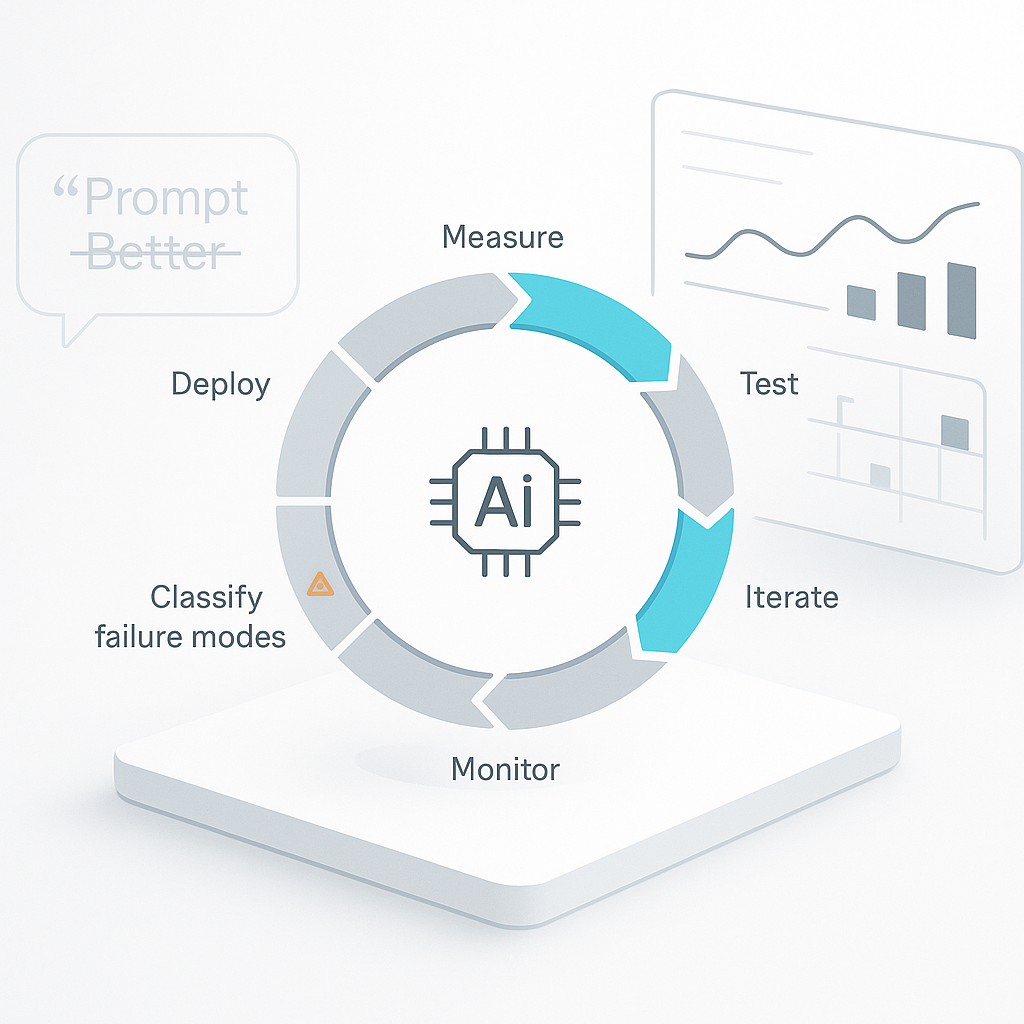
Most teams respond to weak AI output the same way: rewrite the prompt, rerun the task, and hope the wording lands better.
That can feel like progress, especially when the task is fuzzy and the output is close. But if you cannot say what failed, where it failed, and how often it fails, you are not improving a workflow. You are guessing.
For operators, this shows up in familiar places:
- a call summary leaves out the next step
- an estimate draft uses the wrong scope
- a support reply sounds fine but misses the policy
- a CRM update puts details in the wrong field
- an inbox triage rule sends edge cases to the wrong queue
In each case, “prompt better” is too vague to help.
The operating problem is weak diagnosis
Teams often treat the prompt as the strategy. It is not. The prompt is one input inside a larger system that includes the task definition, the context provided, the handoff rules, the review loop, and the pass/fail standard.
A useful comparison comes from education. “Study more” is weak advice because it does not identify the actual skill gap. Strong systems diagnose the specific miss, then prescribe the smallest useful intervention.
AI workflows need the same discipline.
Build a diagnostic loop, not a prompt habit
A practical loop is simple:
- define the job clearly: classification, extraction, drafting, routing, summarizing, or something else
- define pass/fail criteria for that job
- build a small eval set using real cases, including edge cases
- track failures by type, not by general impression
- fix one failure class at a time
That shift matters because different problems need different fixes.
If a meeting summary misses deadlines, that may be a context problem. If a ticket router sends billing issues to support, that may be a classification problem. If a proposal draft sounds right but uses old pricing, that may be a data access problem. If a CRM record is inconsistent from rep to rep, that may be a process problem.
Without diagnosis, all of those get treated like prompt problems.
What this looks like in a real workflow
Take one production workflow, not five. For example: drafting follow-up emails after sales calls.
Start with a 25-case eval set pulled from real work. Include straightforward cases and annoying ones:
- a short call with no budget mentioned
- a call where the buyer asks for legal review
- a deal with multiple stakeholders and unclear next steps
- a reschedule that should not trigger a full follow-up
- a call where the rep promised a custom estimate
Then review outputs against a few concrete checks:
- did it capture the correct next step?
- did it preserve key facts from the call?
- did it avoid inventing commitments?
- did it match the company tone and policy?
When something fails, assign a short reason code such as:
missing-next-stepwrong-contact-ownerinvented-detailmissed-policybad-format
After a week, patterns usually appear. You can see whether the main issue is wording, missing context, tool routing, or an unclear internal process.
This matches current guidance
This approach is consistent with current vendor and standards guidance.
OpenAI’s eval guidance recommends designing tests from your real use case and using those tests to drive iteration instead of relying on ad hoc prompt tweaks: OpenAI Evals Design Guide.
Anthropic’s documentation also centers development around explicit success criteria and iterative evaluation across representative tasks: Anthropic Prompt Engineering Overview.
NIST’s AI Risk Management Framework treats ongoing measurement, monitoring, and management as core operational work, not one-time setup: NIST AI Risk Management Framework.
Prompts matter, but they are not the control system
A simple way to think about it:
- prompts set intent
- orchestration controls flow
- evaluations create learning
If your team is stuck in prompt churn, do one useful thing this week:
- pick one live workflow
- create a 25-case eval set
- label every miss with a reason code
- review the codes after one week
- change only the biggest failure class first
That gives you a basis for decisions. You can tell whether to update the prompt, change the context window, add a field check, route exceptions to a person, or rewrite the SOP.
That is how AI work becomes operational instead of experimental. Start with one workflow your team already depends on, and make its failures visible enough to fix.