The AI Enablement Desk: Why Teams Are Hiring “Chief Claude Officers” and Biz Ops Engineers
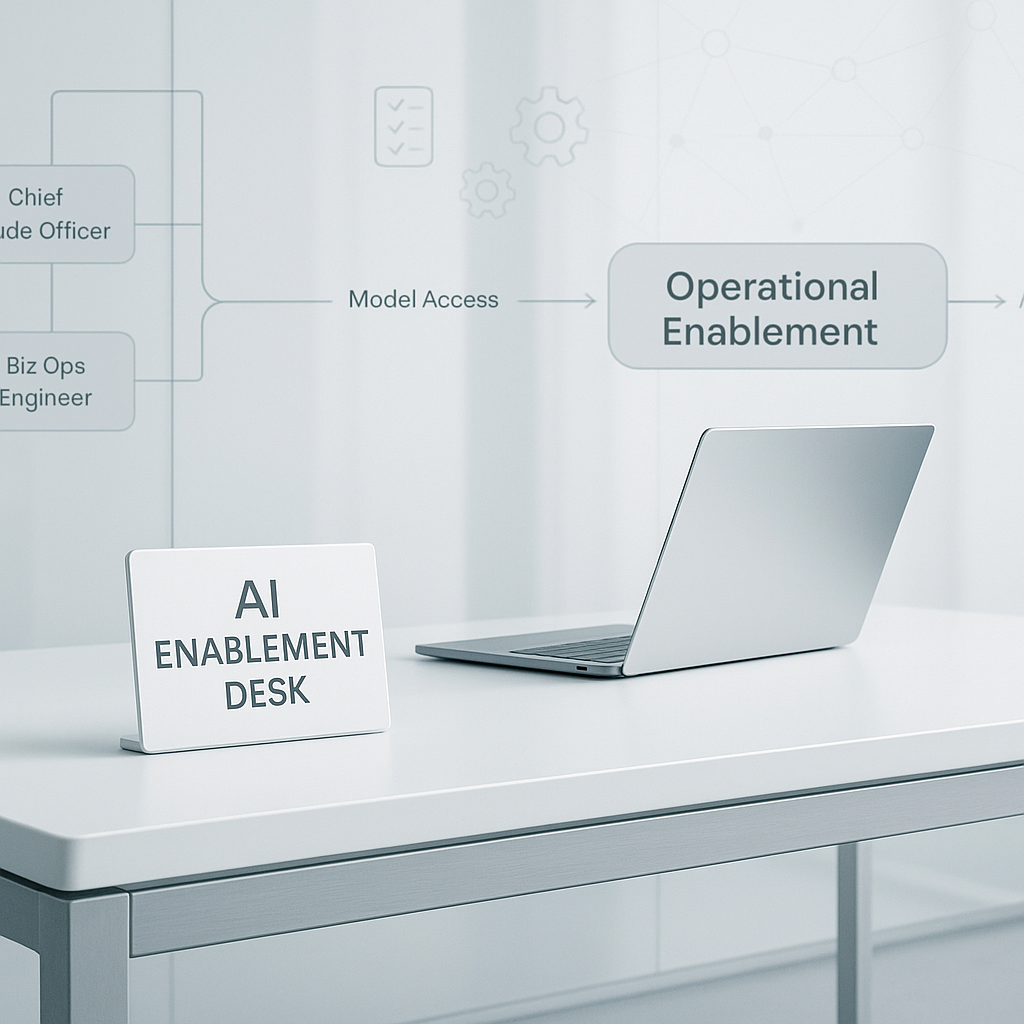
Most teams do not have an AI access problem anymore. They have an operating problem.
People can open the tools, test a few prompts, and get a decent result. Then progress slows. Sales uses one workflow, support uses another, managers set different rules, and no one is sure which outputs can be trusted. A few enthusiastic employees keep experimenting, but the work does not turn into a dependable system.
That is why a new role pattern is showing up.
Dan Shipper referenced a “Chief Claude Officer” idea in March (source). Chris Williams posted a role call for a “Biz Ops Engineer” and “Professional Claude Tinkerer” (source). The titles are informal, but the underlying need is clear: someone has to own AI enablement as an operating function.
Call that function the AI Enablement Desk.
In a smaller company, this might be one operator who already understands process, systems, and team habits. In a larger company, it is often a small cross-functional group with explicit ownership and a weekly review cadence.
The bottleneck is operational, not technical
Most stalled rollouts follow the same pattern.
The company has AI users, but no clear owner for:
- permissions
- workflow design
- quality checks
- training
- failure handling
- policy decisions
When that ownership is missing, the rollout gets messy fast.
One team connects AI to inbox triage. Another uses it for call summaries. Someone else drafts proposals or account research. But there is no shared rule for where sensitive data can go, what good output looks like, or when a workflow should be pulled back.
The result is familiar: inconsistent usage, uneven risk tolerance by manager, and too much attention on flashy experiments that never become standard work.
What the AI Enablement Desk actually owns
This function matters because it turns scattered usage into repeatable work.
Access, controls, and guardrails
Before you scale workflows, access has to make sense.
OpenAI’s enterprise documentation points to role-based access controls, SSO, and admin-managed permissions for tools and connectors (OpenAI enterprise, OpenAI RBAC guide). Anthropic also documents admin-level control for organization members, roles, and keys (Anthropic Administration API, Anthropic roles and permissions).
That sounds technical, but the operating question is simple: who decides what each team can use, and under what conditions?
In practice, someone needs to own:
- who can use which tools
- which teams can connect AI to calendars, CRM records, shared drives, or ticket history
- where policy checks sit before outputs are sent to customers or saved into systems
- how auditability works when a workflow touches sensitive data
If this stays ad hoc, scale creates inconsistency. One manager approves a connector. Another blocks it. One team pastes customer information into a model manually. Another avoids the tool entirely. That is not a strategy.
Workflow architecture for real jobs
The next job is to convert curiosity into useful workflows.
This is where the role starts to look less like “AI champion” and more like business operations.
The AI Enablement Desk should keep a living map of high-value use cases by department. Not a slide deck of possibilities. A working list of real tasks, with owners and measures.
Examples might include:
- summarizing sales calls and pushing notes into the CRM
- drafting follow-up emails after estimates are sent
- preparing account research before client meetings
- turning support tickets into weekly issue summaries
- helping operations teams draft SOP updates after exceptions or failures
- compiling recurring client reports from scattered source material
- cleaning invoice follow-up language before it goes out
Each workflow should have:
- a business owner
- a target metric
- a known failure mode
- a decision on whether the output is assistive or production-ready
That is where a Biz Ops Engineer profile is useful. The work is not mainly about collecting clever prompts. It is about understanding how a real task moves from inbox to handoff to approval to recordkeeping, then improving that flow without creating more cleanup work.
Quality, evaluation, and rollback
A workflow is not ready because it looked good in a demo.
If teams cannot define acceptable output, they cannot use AI at scale with confidence. This is true whether the task is proposal drafting, ticket summarization, review-response suggestions, or internal knowledge retrieval.
The AI Enablement Desk should publish lightweight evaluation rules for each production workflow.
That usually includes:
- minimum quality thresholds
- common red-flag failure patterns
- who reviews exceptions
- when outputs must be escalated to a human
- what triggers a rollback or redesign
A simple example: if AI drafts estimate follow-up emails, the rubric might require correct customer name, correct estimate amount, no invented dates, and approved tone. If error rates cross a threshold for two weeks, the workflow gets paused and fixed.
Without this discipline, trust erodes. Teams stop using the workflow, even if the underlying model is strong, because the cleanup burden lands on the operator closest to the work.
Training and adoption rhythms
Most companies put too much effort into launch messaging and too little into weekly use.
Adoption sticks when people get help on actual work. Not abstract best practices.
A practical enablement rhythm often includes:
- role-specific office hours
- short workflow clinics built around one task, like call prep or inbox triage
- monthly cleanup of stale prompts, broken automations, and unused tools
- manager reviews tied to real work completed, not raw usage counts
This is part of why the “Chief Claude Officer” phrase resonates. It sounds informal, but it points to something real: sustained AI adoption behaves more like a management system than a one-time rollout.
How to start without building a new layer of bureaucracy
You do not need a large AI office.
You do need explicit ownership, a short list of workflows, and a regular review loop.
A practical 30-60-90 day start looks like this.
Days 1-30: stabilize the basics
- decide who owns access controls and policy calls
- catalog current AI usage, including unofficial workflows
- identify 3 workflows with measurable value and clear owners
- note where outputs touch customers, sensitive records, or financial decisions
Days 31-60: add checks and feedback
- create simple quality rubrics for the 3 workflows
- set a weekly review with team leads
- track failure patterns and rework time
- remove or redesign workflows that create noise but little value
Days 61-90: scale carefully
- expand only after the first workflows hold quality thresholds
- clarify the role expectations for enablement owners
- align manager incentives around useful adoption, not usage volume
- document handoffs so workflows survive staffing changes
The order matters.
Governance without workflow ownership turns into policy theater. Workflow experiments without controls turn into a mess of one-off tools, duplicate records, and unclear risk.
The hiring signal worth watching
When companies start hiring hybrid operators who combine process judgment, tool fluency, and authority to train teams, pay attention.
That is the shape of practical AI adoption.
The title will vary:
- AI Enablement Lead
- Biz Ops Engineer
- Chief Claude Officer
- Applied AI Program Manager
The function matters more than the label.
The best teams are moving away from a loose question like Who has the best prompts? and toward a more useful one: Who owns reliable AI workflows across the business?
That question shows up in very ordinary places. Who keeps CRM notes consistent after call summaries are automated? Who checks whether proposal drafts match current pricing rules? Who notices when a support summary workflow starts skipping key details? Who decides whether a new connector should touch finance records or internal SOPs?
Those are operating questions. If nobody owns them, adoption will remain uneven no matter how good the models get.
If you are building this capability now, the next useful step is small and concrete: assign one owner, choose three workflows, and set weekly review rules before you expand.