The SOP Builder: Turn Finished Work Into a Process Your Team Can Repeat
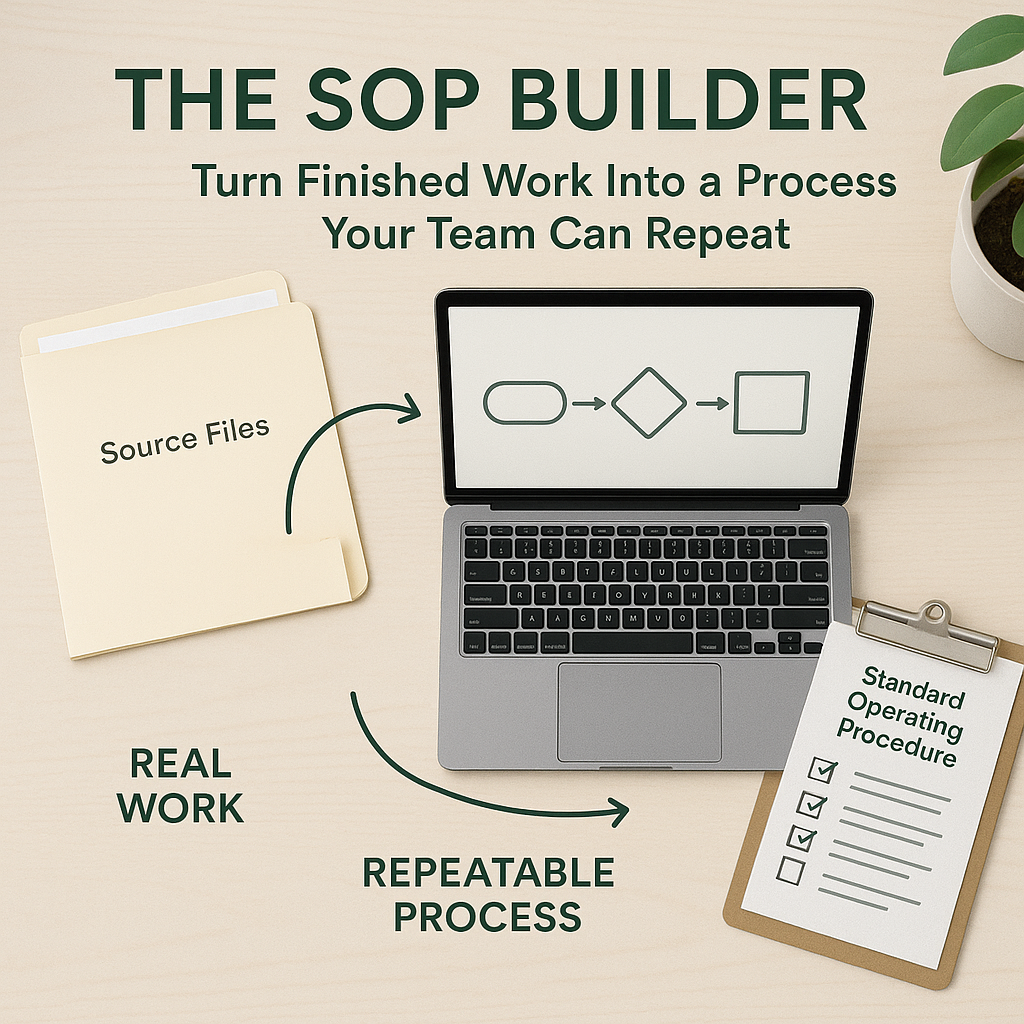
Most small businesses do not have a documentation problem because nobody cares about process. They have a documentation problem because documentation feels like a second job.
The work gets done first. A customer issue is resolved, a monthly report goes out, a new hire gets onboarded, or a client packet gets sent. Then everyone moves on. The details live in one person's memory, a few old emails, a spreadsheet tab, a script nobody else opens, or a folder of files with names that made sense at the time.
That works until the process has to be repeated by someone new, covered during vacation, audited, improved, or delegated.
A useful Codex workflow is not "write an SOP from scratch." The better version starts with real evidence from work that already happened. Codex can inspect the folder, scripts, exports, notes, screenshots, and messages that were part of the completed workflow, then draft an SOP that reflects reality instead of an idealized process nobody follows.
Start with work that actually happened
The best source material is a completed piece of work the business already trusts.
Take a monthly reporting process. The team downloads an export, cleans a few columns, checks totals against last month, updates a dashboard, writes a short summary, and sends it after approval. The real process may include a CSV export, a spreadsheet, a cleanup script, a finished dashboard, a note about one adjustment, and the sent email.
That is enough raw material for a practical first draft.
A good request to Codex might sound like this:
Turn the completed monthly reporting workflow in this folder into a practical SOP for a new operations assistant. Inspect the source files, scripts, generated dashboard, and related notes. Include prerequisites, step-by-step instructions, common failure cases, quality checks, and when to escalate. Add a short section explaining the business outcome this process protects.
The wording is less important than the operating pattern. Codex is being asked to inspect real work, reconstruct the process, and produce a usable artifact. That is much stronger than asking it to invent documentation from memory.
What Codex should inspect
The inputs should match the actual workflow. For an SOP builder, that might include:
- source files, exports, templates, and final deliverables
- scripts or commands that produced the output
- a README, checklist, meeting note, or internal memo with context
- emails or support messages that show the request, exception, approval, or handoff
- screenshots of the final dashboard, customer portal, form result, or completed setup
- a previous SOP, even if it is stale
Codex does not need unlimited access. The workflow is usually better when access is scoped. Give it the folder, the relevant notes, and the files or apps needed for the task. Keep unrelated customer records, payroll files, legal documents, and private data out of scope unless the SOP truly requires them.
The output should also be structured. A strong SOP draft usually includes purpose, owner, prerequisites, tools, inputs, step-by-step instructions, decision points, quality checks, failure cases, escalation rules, and expected outputs.
The review pass is where the value shows up
The first draft is not the finish line. It needs to be checked against the actual work.
A useful review asks:
- Does the SOP include every input someone needs before starting?
- Does it separate mechanical steps from judgment calls?
- Does it name the places where a human must approve, verify, or escalate?
- Does it explain what done looks like?
- Does it include common failure cases and recovery steps?
- Does it protect sensitive data and customer context?
- Does it match the tools and file paths the team actually uses?
These questions matter because a bad SOP creates false confidence. If the document hides judgment, skips an approval gate, or assumes context only one person has, the process is not ready to delegate.
Codex can draft, organize, compare, and flag gaps. A person who understands the work should approve the final process before it becomes the team reference.
Keep human gates explicit
An SOP builder should not quietly turn everything into automation.
Some steps should stay human because they involve risk, judgment, or accountability. Examples include approving a customer-facing email, interpreting an unusual financial variance, deciding whether a support issue needs escalation, confirming that a compliance rule applies, or approving a final report before it is sent.
Name those gates directly:
- Do not send the stakeholder email until the manager approves the summary.
- Stop if total revenue differs from the accounting export by more than 1 percent.
- Escalate if customer data appears in the wrong account folder.
- Ask the owner before changing the template or adding a new metric.
These gates make the process safer. They also make future automation easier because the boundaries are clear. Codex can later run the mechanical checks and prepare the draft while the business keeps approval where it belongs.
From SOP to skill
Once a team trusts the SOP, the next step is to make it reusable.
OpenAI's Codex skills documentation describes skills as task-specific packages with instructions, resources, and optional scripts that help Codex follow a workflow reliably. That maps naturally to an SOP. The SOP becomes the instruction layer. Supporting templates, examples, checklists, screenshots, and helper scripts can live alongside it.
That does not mean every SOP should become a skill right away. A safer sequence is:
- run the work manually once
- use Codex to draft the SOP from the real artifacts
- have the process owner review and correct it
- run the process again using the SOP
- identify repeatable checks, scripts, and templates
- package the stable pieces into a skill when the workflow is ready
This keeps the business from automating a process it does not understand yet. It also keeps Codex useful in the middle stage, where the work is repeatable but still needs human judgment.
From skill to automation
Some SOPs eventually become scheduled checks or recurring operating routines.
OpenAI's Codex automations documentation describes automations as recurring background tasks that can report findings and combine with skills for more complex work. That is a good fit for weekly client health checks, monthly reporting prep, daily exception review, content QA, or recurring data cleanup.
The key is to automate the right part.
A monthly reporting automation might check whether the source file is fresh, validate required tabs, run the cleanup script, generate the draft dashboard, and prepare a summary. It should still stop for approval before sending the report if the business depends on that judgment.
A customer support escalation automation might review new tagged issues, group likely causes, and draft a handoff memo. A human should still decide how to respond to a sensitive customer.
The SOP is the map. The skill is the repeatable method. The automation is the scheduled execution for the pieces that are safe to run without someone typing the same prompt every time.
A simple first implementation
Choose one process that happened in the last two weeks. Do not start with the hardest or most sensitive workflow. Pick something useful but contained: a monthly report, lead intake checklist, customer onboarding packet, social publishing routine, or support escalation process.
Collect the source material into one folder. Include the final output, input files, scripts or templates, and a short note explaining the business purpose. Remove anything private that the SOP does not need.
Then ask Codex for a draft SOP with a clear audience. Write it for a new operations assistant, project manager, client success coordinator, or business owner covering the process while someone is out.
Review the draft with the person who owns the work. Correct the steps. Add the real failure cases. Mark the approval gates. Remove anything that sounds plausible but does not match reality.
Then use the SOP the next time the process runs. That second run is where the documentation becomes real. If it helps someone complete the work with fewer questions, it is working. If it creates confusion, revise it before turning it into a skill or automation.
The goal is not documentation for its own sake. The goal is to make work transferable, reviewable, and easier to improve.