AI for HR and Recruiting Teams: Where the Time Savings Are
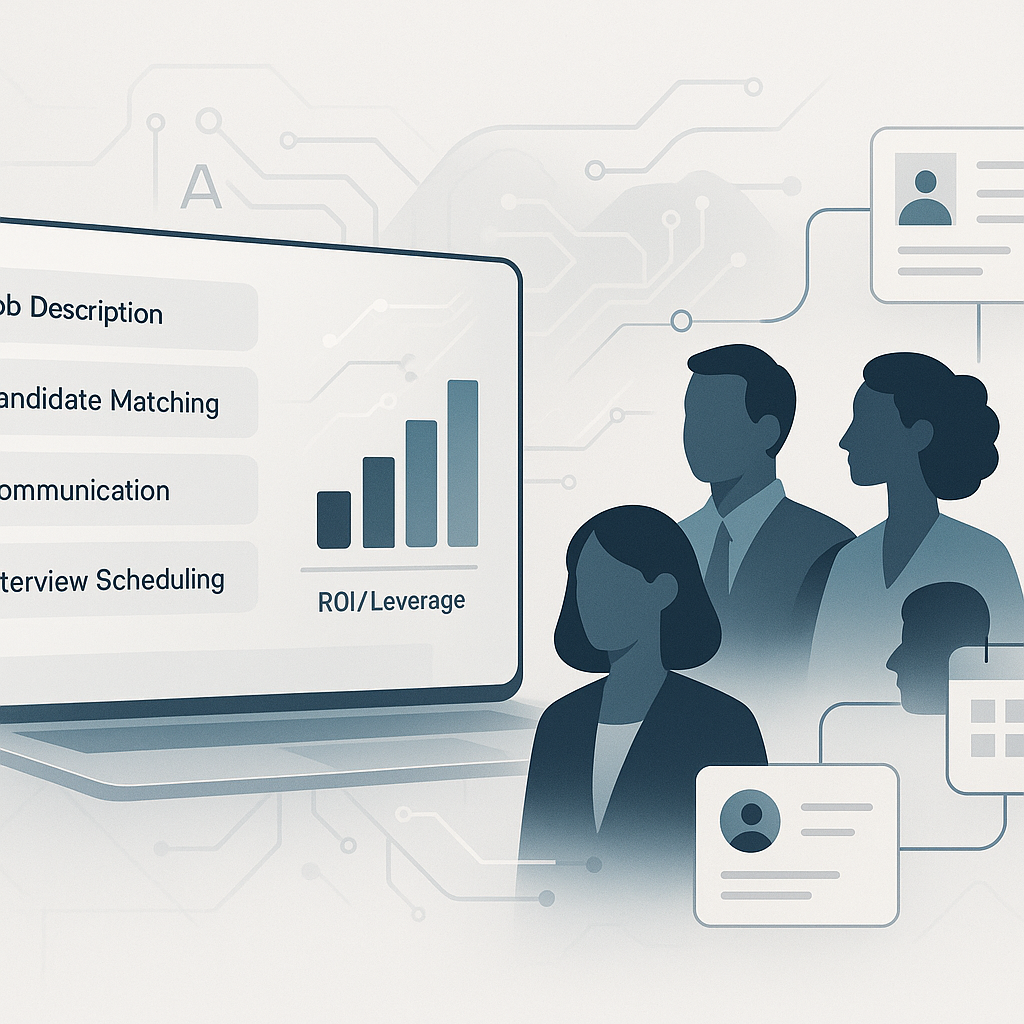
If you run recruiting, onboarding, or employee communications, a lot of the work is repeat document work. The details change, but the structure usually does not. Job descriptions, outreach emails, interview guides, onboarding checklists, review forms, and candidate summaries all follow patterns.
That is where AI is useful.
It can draft the first version of repeat HR documents fast. Your team still needs to check the facts, adjust the tone, and make the actual people decisions. But if the bottleneck is getting a solid draft onto the page, AI can remove a lot of that delay.
Start with the documents you recreate every month
The best HR use cases are usually plain operational ones:
- the same hiring email rewritten 20 times
- a new role opening and no current job description
- interviewers asking different questions for the same role
- onboarding docs built from scratch each hire
- manager review cycles slowed down by missing templates
- long candidate notes that need a usable summary
If that sounds familiar, these are usually the fastest places to save time.
Job descriptions are an easy first win
Writing a careful job description often takes 45–90 minutes. AI can turn a short role brief into a usable first draft in under a minute. That does not mean it is ready to post. It means you are editing instead of starting from a blank page.
That shift matters when a manager is waiting, the role is urgent, and your team has three other openings in progress.
AI is also useful for consistency. If every job description follows a similar structure, your hiring managers tend to align more clearly on responsibilities, required skills, and what is actually optional.
A simple prompt structure still works well here:
Write a job description for a [role title] at a [company type]. Key responsibilities: [your bullets]. Required skills: [list]. Nice-to-have: [list]. Culture note: [one sentence about your team].
Candidate communication is repetitive work with real visibility
Candidates see your emails, calendar notes, interview confirmations, rejection messages, offer letters, and onboarding instructions. Those messages affect how organized your company feels.
Most of them also follow a repeat format.
Build a small template library for:
- initial outreach
- interview scheduling and confirmation
- post-interview follow-up
- rejection messages
- offer letters
- first-day or first-week instructions
Then use AI to adapt the template for the person, role, and stage. Review every message before sending. This is a good place to save time without lowering quality.
Interview guides help teams make cleaner decisions
A hiring process gets messy when each interviewer shows up with their own questions and no shared scorecard. That creates uneven candidate comparisons and weaker documentation.
AI can draft structured interview guides quickly if you give it the role context. Ask for:
- behavioral questions tied to key competencies
- role-specific technical or situational questions
- a scoring rubric
- interviewer notes prompts
You still need to edit for your team, your legal requirements, and what success really looks like in the role. But this is much faster than building every guide from scratch.
Onboarding docs and review frameworks are usually underbuilt
A lot of small teams know what a good first week or first 90 days should look like, but it lives in someone’s head, old inbox threads, or a half-finished SOP.
AI can help draft:
- first-week schedules
- role-specific onboarding checklists
- 30-60-90-day expectations
- self-assessment prompts
- manager feedback templates
- role-based performance criteria
That is useful because these documents are often delayed, inconsistent, or missing entirely. Once you have a solid version for one role, you can reuse it and improve it each time.
Summaries are useful when applications and notes pile up
When you have long applications, several interview notes, and multiple stakeholders involved, AI can help condense the material into a usable summary.
This works best when your inputs are already structured:
- interview notes are detailed
- scorecards are completed
- competencies are defined
- the role expectations are clear
In that setup, AI can help produce a concise evaluation or hiring recommendation draft. It is a support tool for synthesis, not a substitute for decision-making.
What to keep with people
There are parts of HR and recruiting that should stay firmly with human judgment:
- final hiring decisions
- culture and team fit assessment
- difficult performance conversations
- manager coaching
- reading nuance in a candidate interaction
- handling sensitive employee situations
AI is most helpful on the document infrastructure around the work. It does not replace the relationship side of HR.
How to test this without creating more process
Start with 2–3 document types your team creates most often. For many teams, that is:
- job descriptions
- candidate communication
- onboarding documents
Use AI on the next 3–5 examples. Check:
- Did draft time drop?
- Did review time stay reasonable?
- Did consistency improve?
- Did managers or candidates get clearer communication?
If the answer is yes, keep the templates, store them where the team can find them, and make them part of the normal workflow.
If you want a custom action plan for your HR or recruiting function — which workflows to prioritize, how to fit AI into your existing tools, and a concrete first-week plan — the Leaf Lane AI Quick Start Guide is a fast way to get there.
$250. Custom to your team. Delivered in 2 business days.